



















PERIAPT
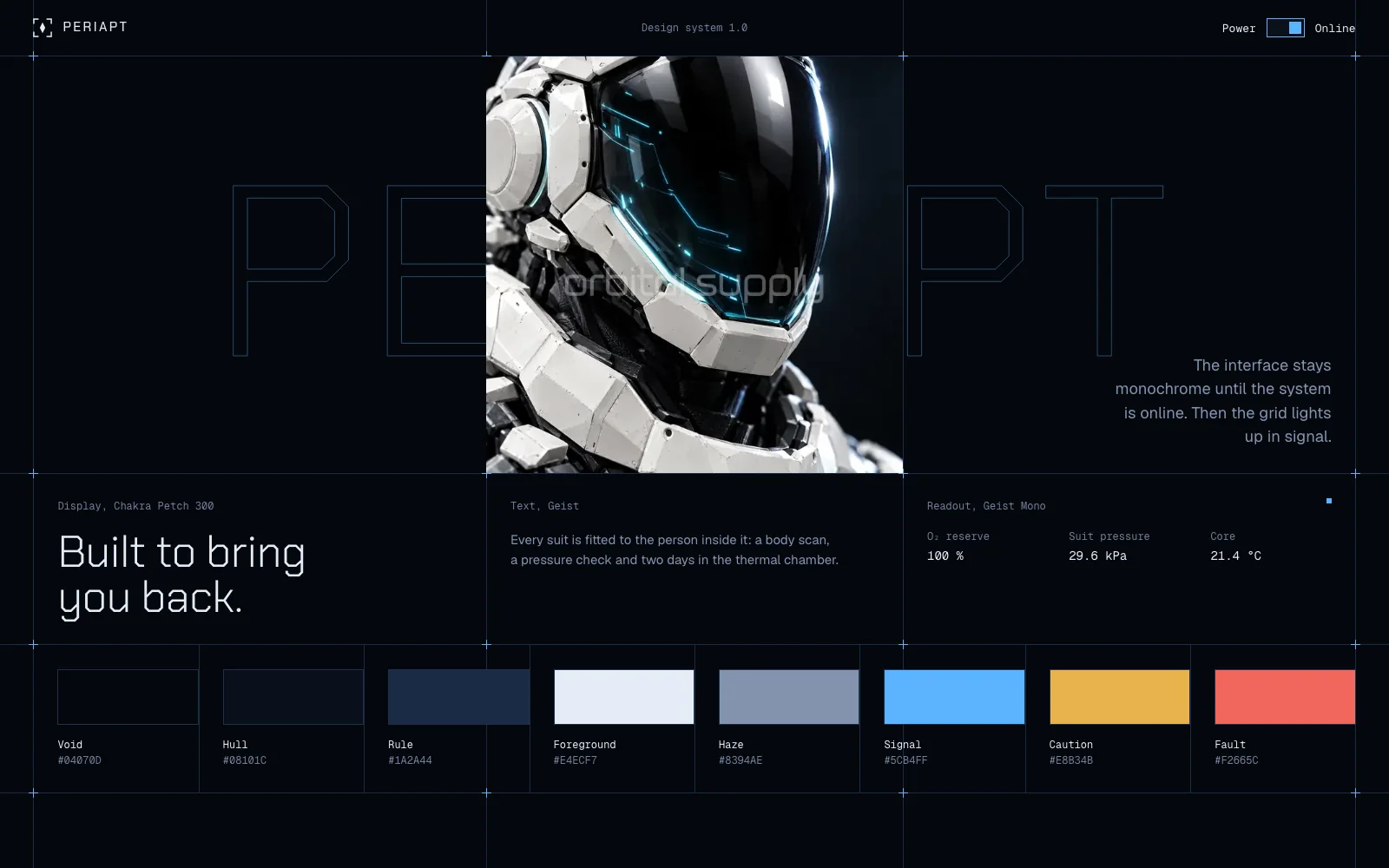
A cold, precise system for hardware, aerospace and robotics brands, drawn on a technical grid.
Unlock at launch
Everything on the bench is live. Hover it, type in it, tab through it, or flip Power.
About the system
- Built from
- PERIAPT website
- Components
- 27 in 7 groups, every state
- Typefaces
- Chakra Petch, Geist, Geist Mono
- Power
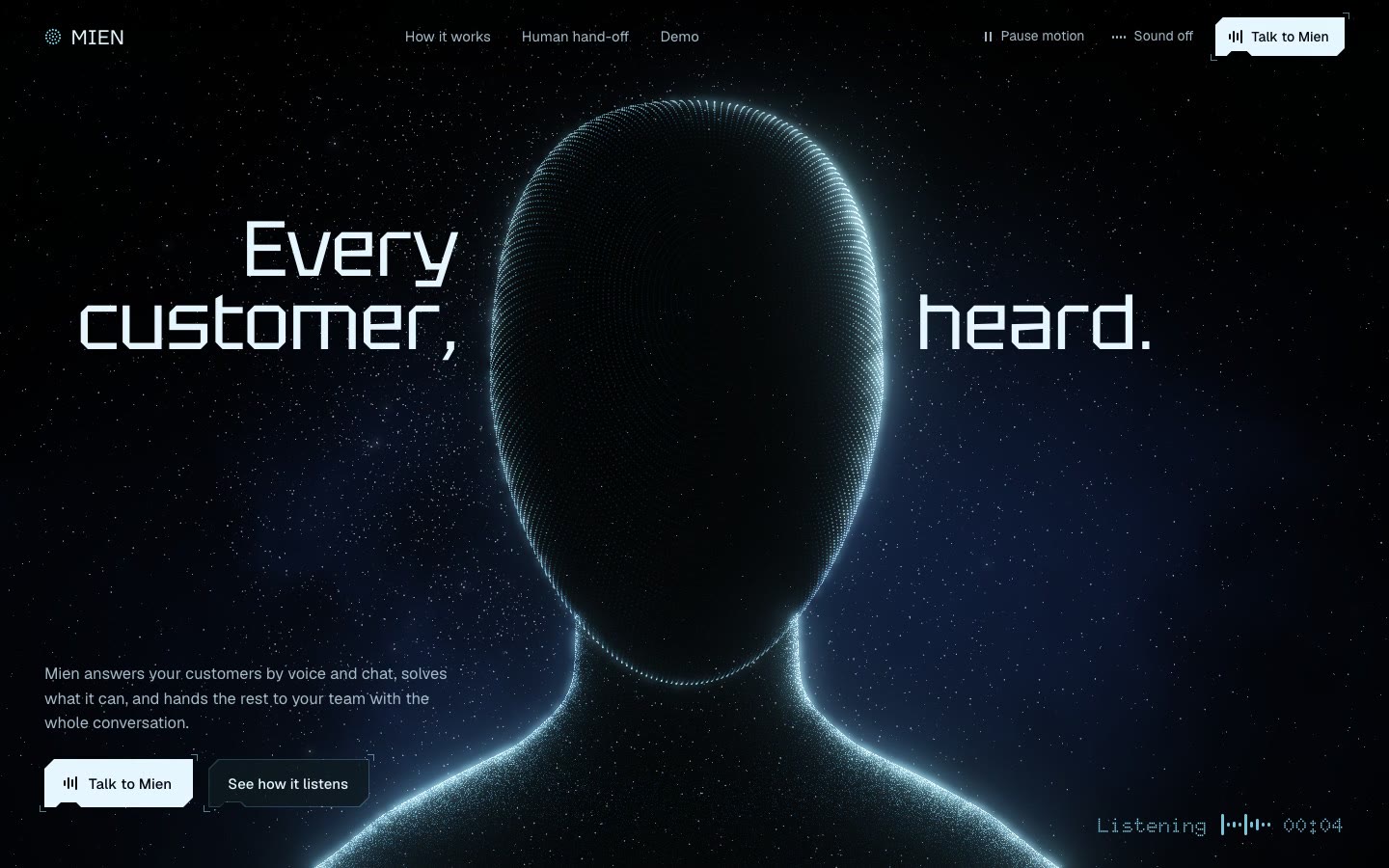
- The interface stays monochrome until the system is online. Flip Power and the grid, markers and wordmark light up in signal.
- Format
- HTML, CSS and JavaScript with no dependencies, plus DESIGN.md
- Version
- 1.0
- Void
#04070D - Hull
#08101C - Rule
#1A2A44 - Foreground
#E4ECF7 - Haze
#8394AE - Signal
#5CB4FF - Caution
#E8B34B - Fault
#F2665C
In context
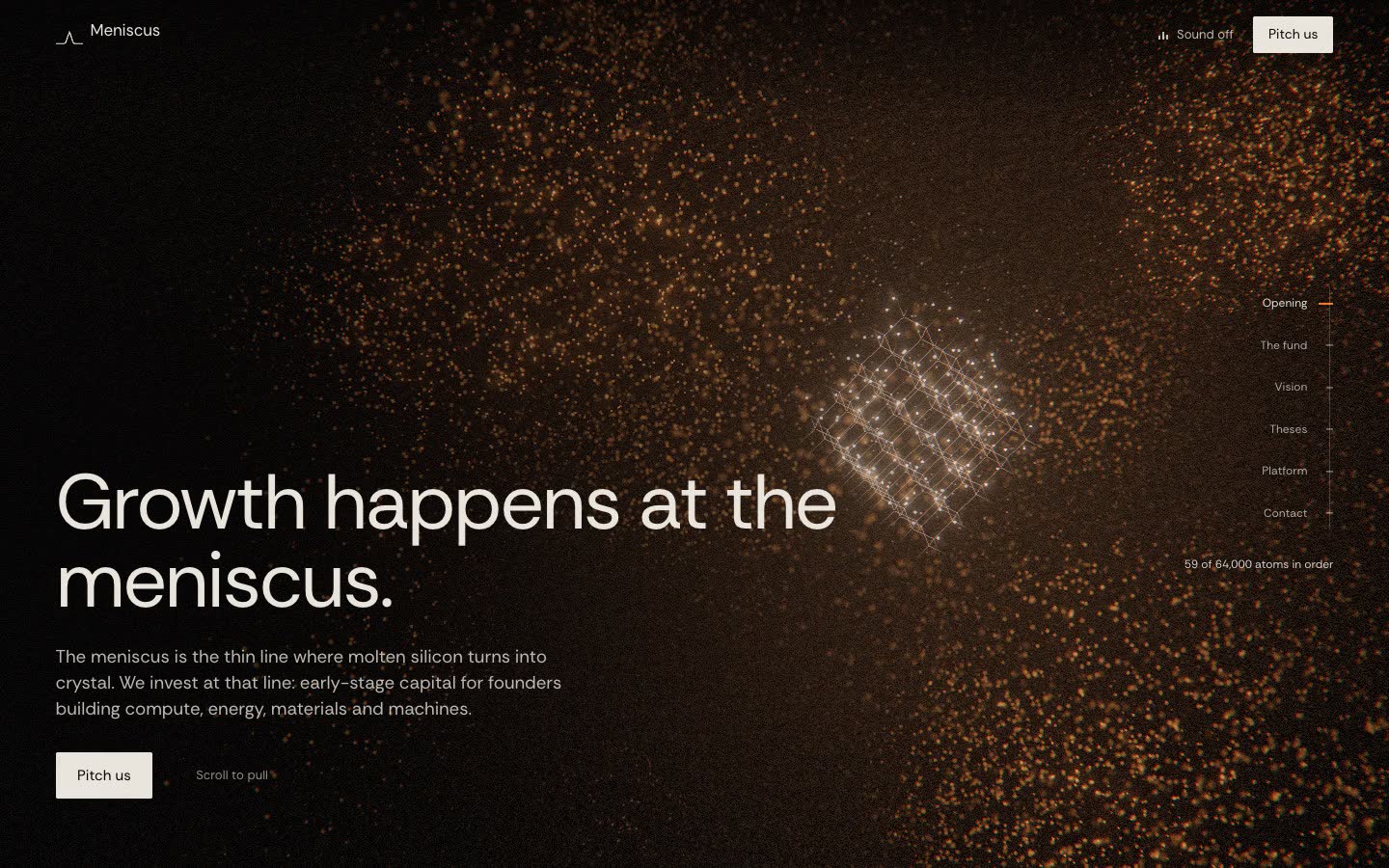
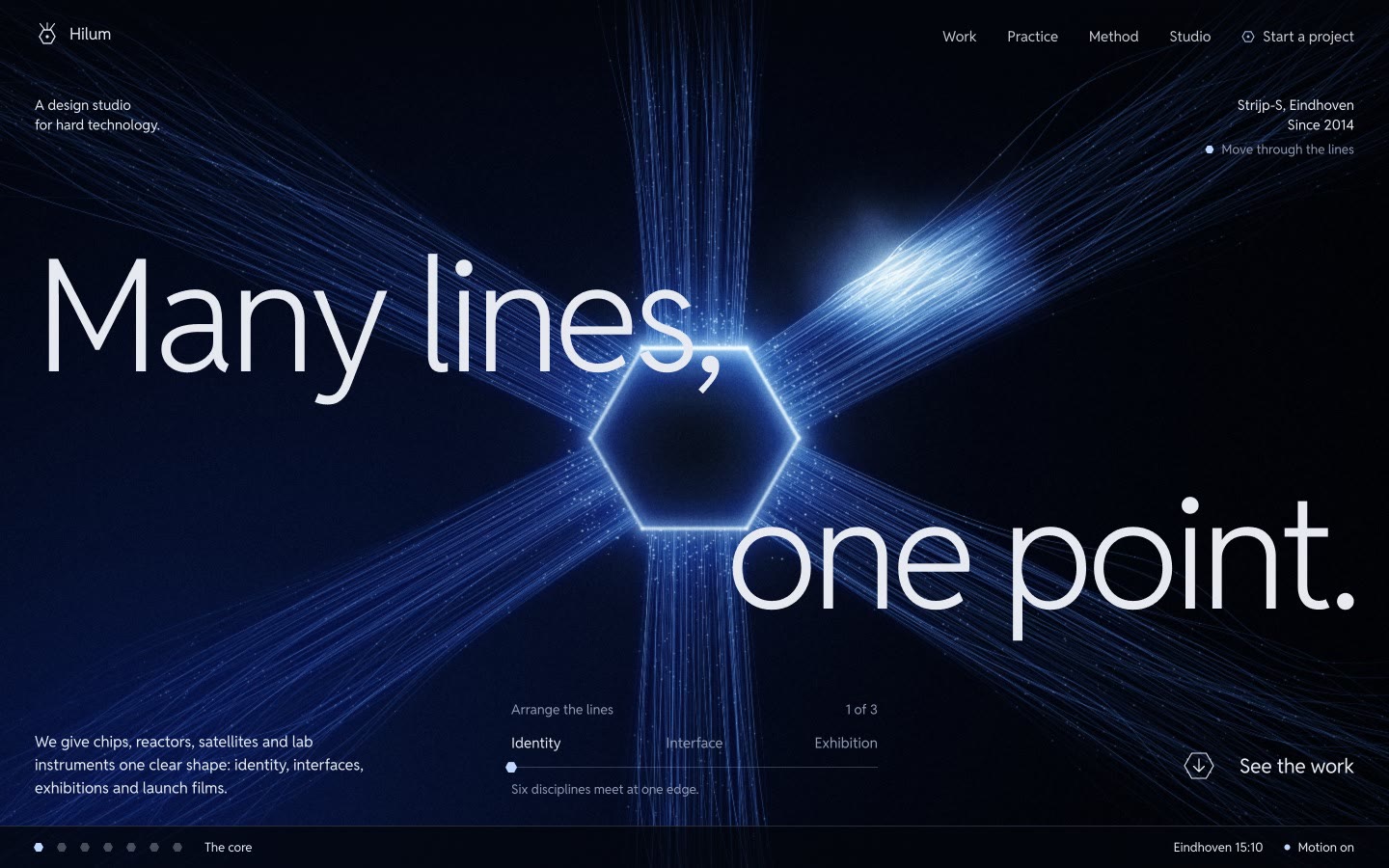
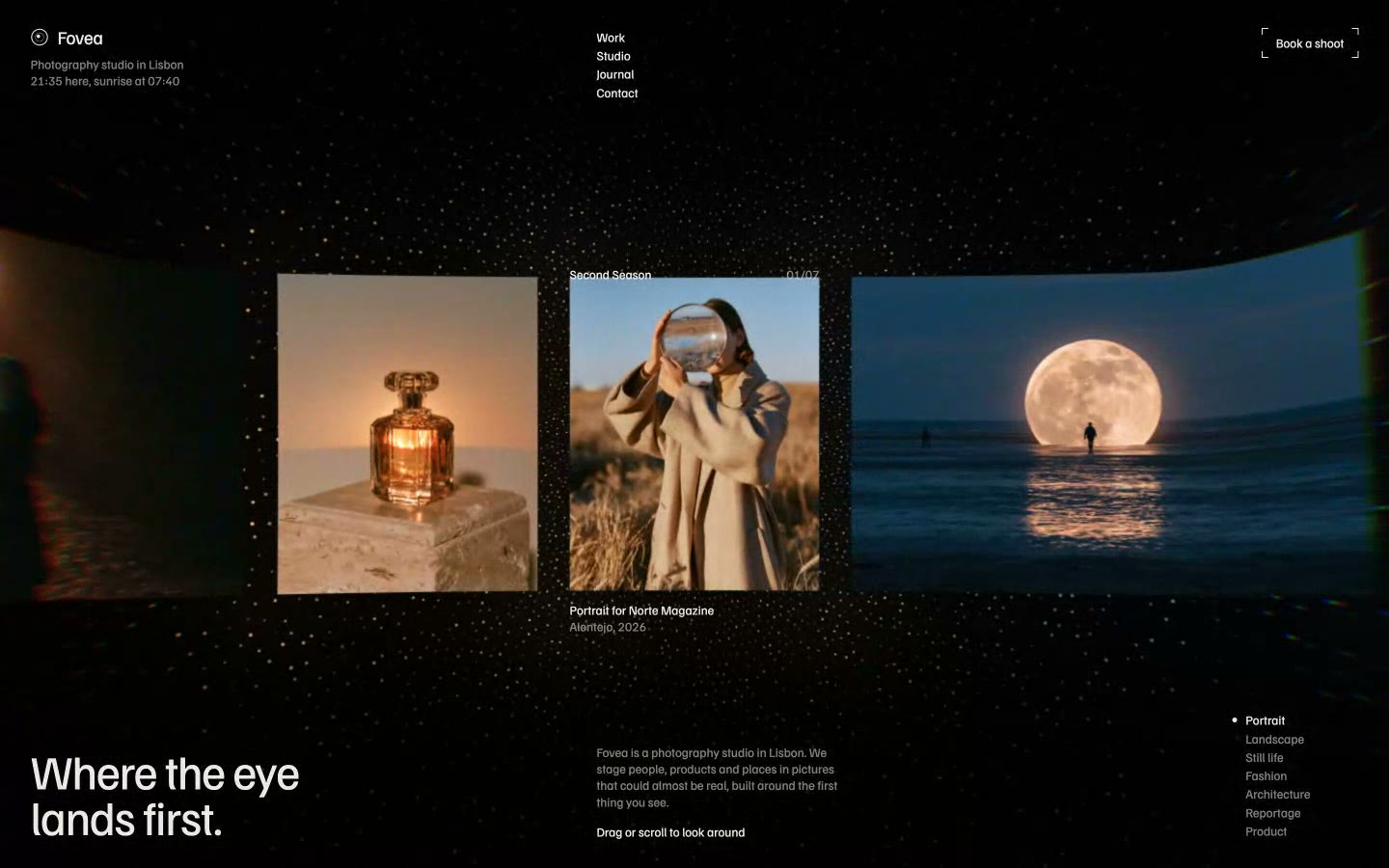
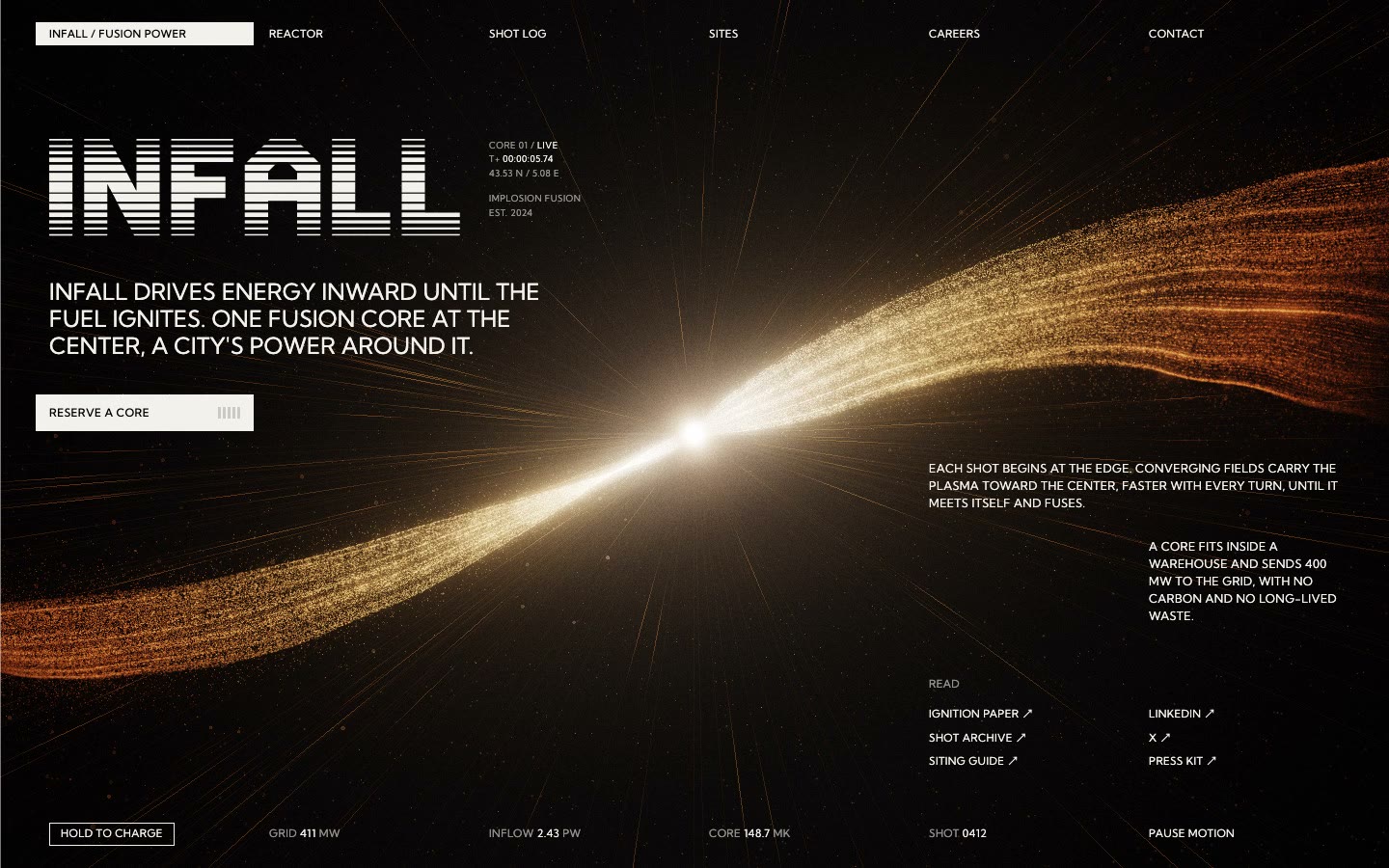
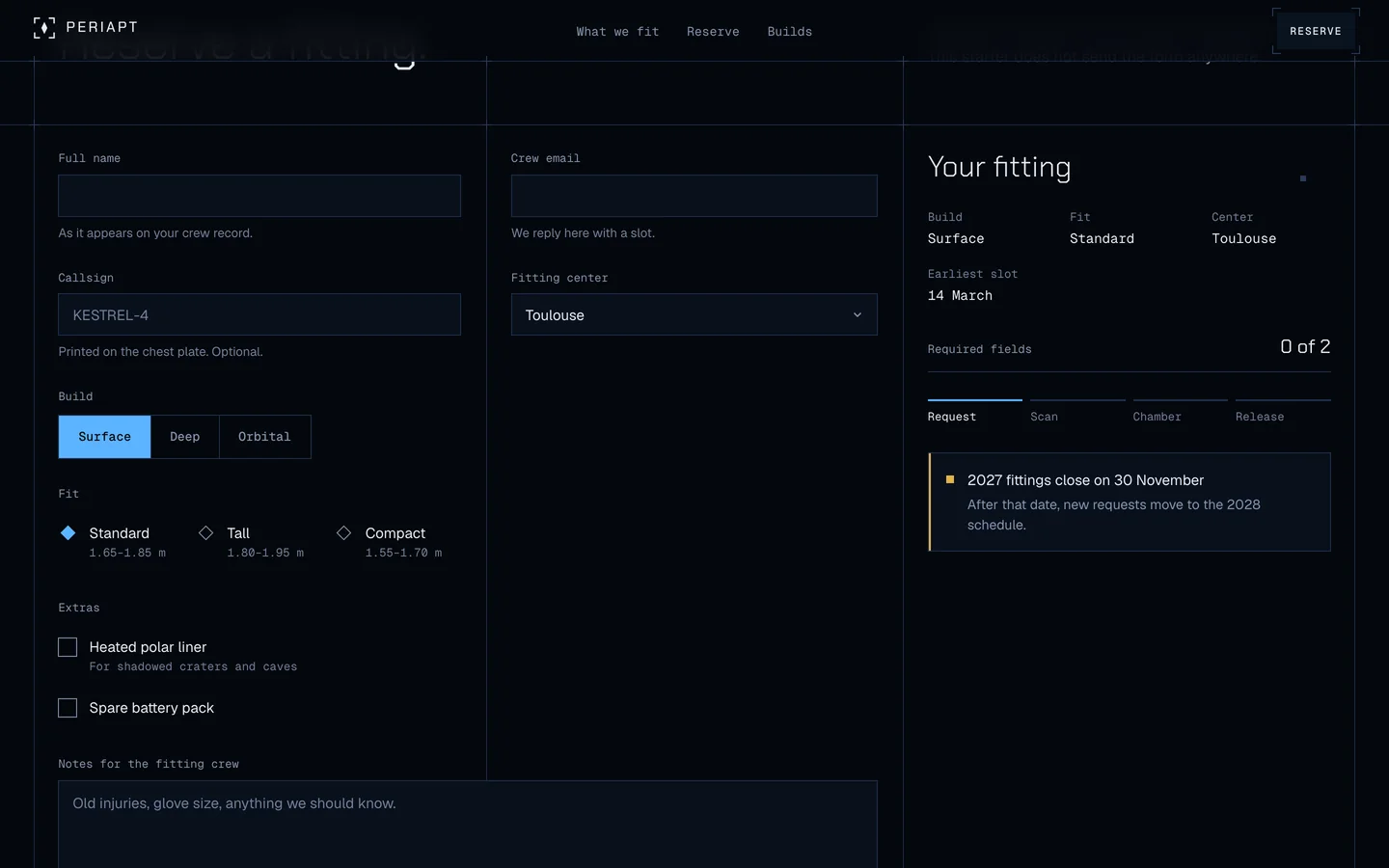
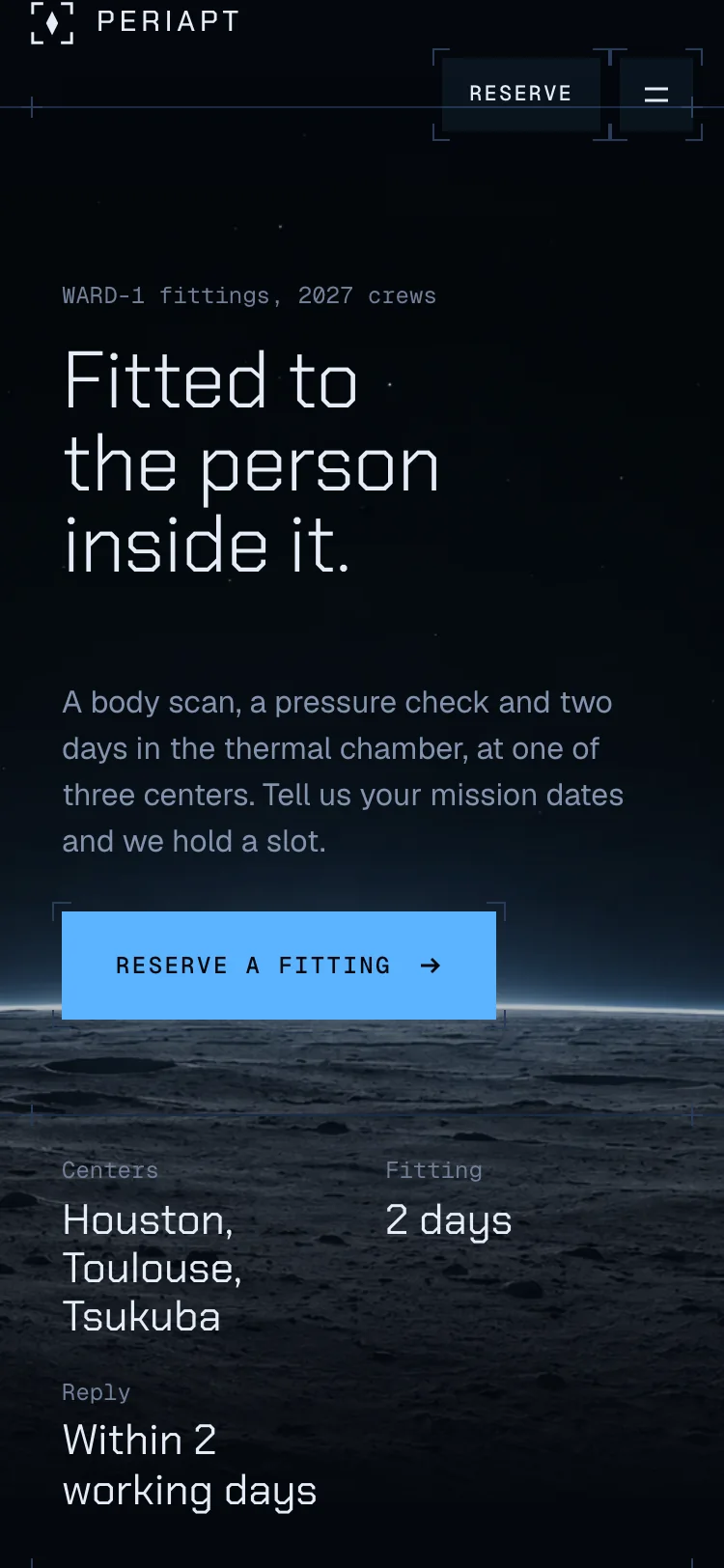
A fitting-reservation page built only from the kit. It ships as the starter, ready to rename.
In the kit
DESIGN.md- Rules for building with the system, written to hand to Claude, Lovable or a developer
tokens/tokens.json- Every colour, size, space and timing as named tokens
tokens/tokens.css- The same tokens as CSS variables, including the Power state
css/periapt.css- All components and their states
js/periapt.js- Scramble labels, tabs, dialogs, toasts, counters and Power. No dependencies
components.html- Every component in every state, side by side
starter/index.html- A fitting-reservation page built only from the system
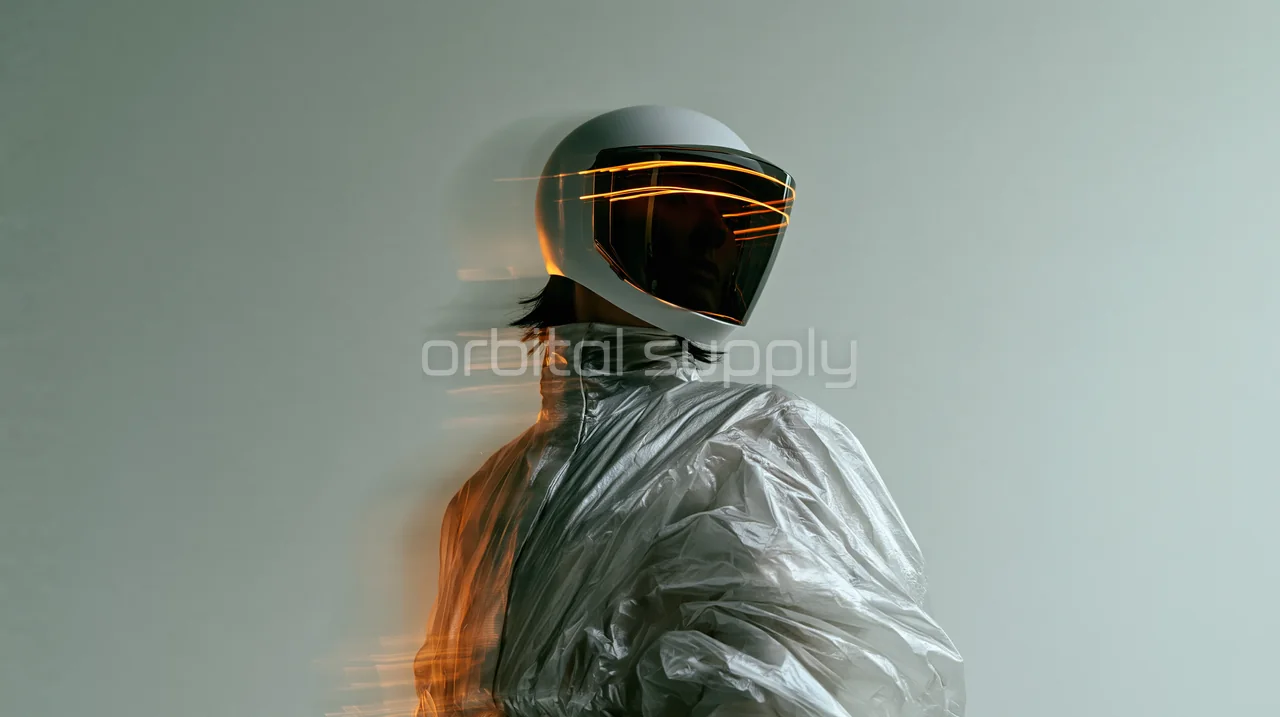
assets/imagery/- Hardware, terrain and horizon photographs at full resolution
LICENSE.md- Commercial use in your own and client projects
Building with an AI
Attach DESIGN.md
Add it to your conversation in Claude, Lovable or any AI builder.
Describe your page
In your own words, with your own brand and content.
Keep the code or port it
Link the token and component CSS, or ask for React. The rules hold either way.
Components
- Layout
- Technical grid, Rails and rules, Live marker
- Actions
- Button, Icon button, Text link
- Input
- Text field, Select, Textarea, Checkbox, Radio, Switch, Segmented control
- Data
- Tabs, Comparison table, Readout, Counter
- Status
- Tag, Alert, Meter, Steps, Toast
- Content
- Card, Plate
- Overlay and navigation
- Dialog, Navigation bar, Mobile menu
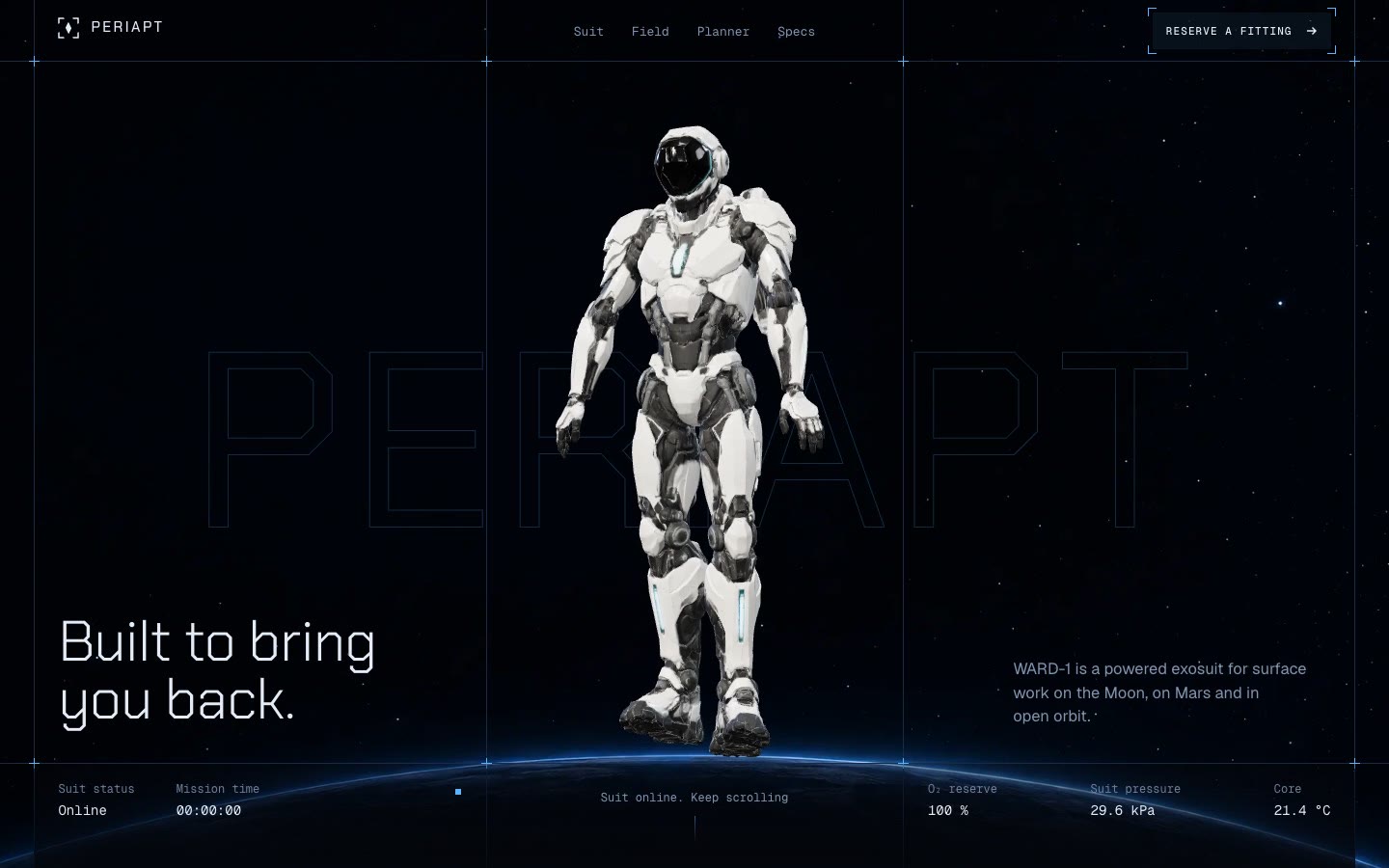 Built from PERIAPT
See the full website the system comes from.
Back to design systems