















NÁCAR
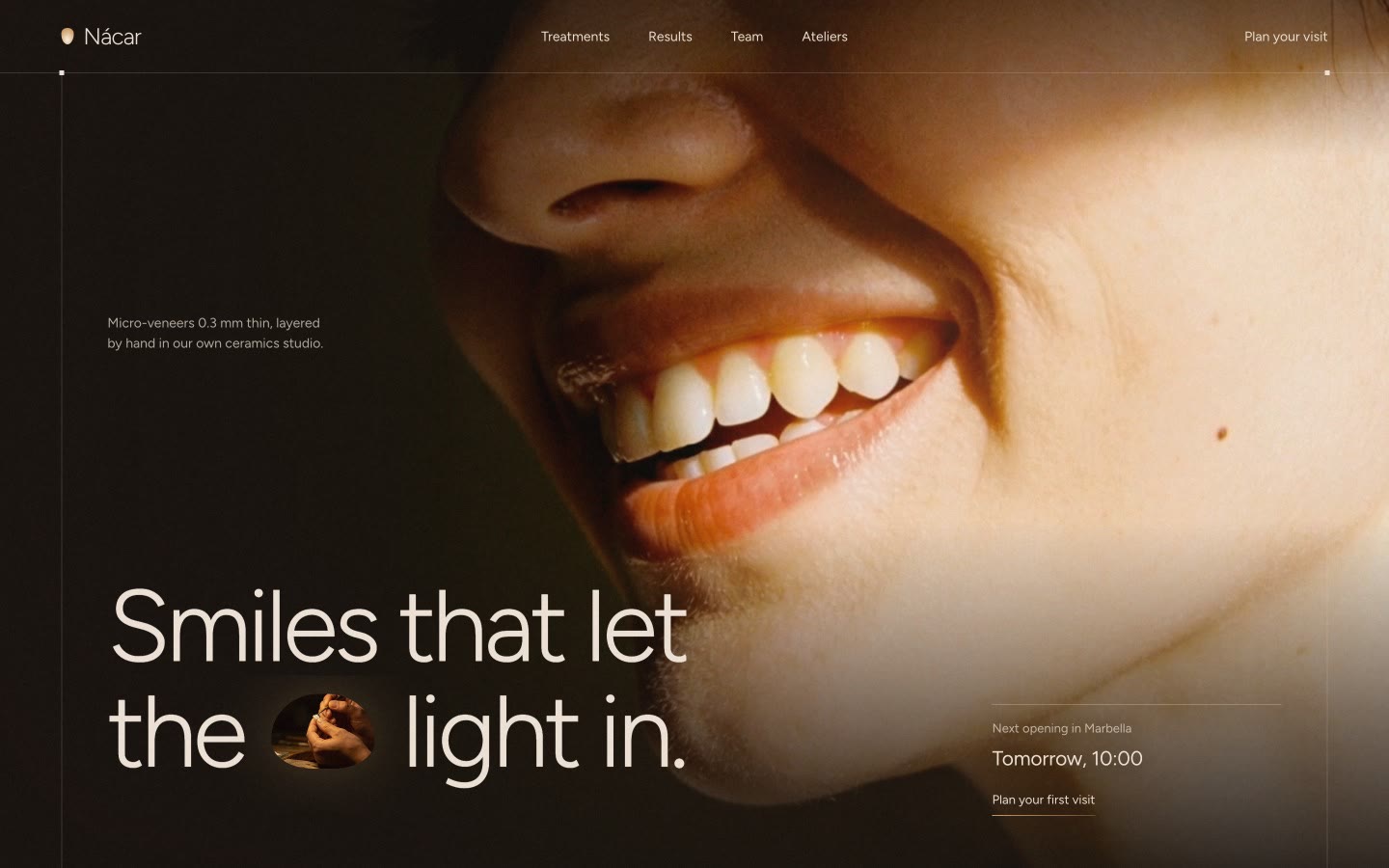
A warm, quiet system for dental, aesthetic and wellness clinics, lit like porcelain held up to a lamp.
Unlock at launch
Everything on the bench is live. Hover it, type in it, tab through it, or flip Shade.
About the system
- Built from
- Nácar website
- Components
- 55 in 7 groups, every state
- Typefaces
- Figtree
- Shade
- Every porcelain surface in the system is matched to one tab of the classical shade guide. Choose A3, B2 or B1 and the type, the porcelain buttons and every veneer mark take that shade, the light that passes through them deepens or pales with it, and every shade reading in the system reprints, down to the tab where the loader stops.
- Format
- HTML, CSS and JavaScript with no dependencies, plus DESIGN.md
- Version
- 1.0
- Umber
#140E0A - Sheet
#1B130E - Cacao
#2B1F17 - Smoke
#8E8075 - Porcelain
#F1E6D8 - Glow
#D19A5E - Flare
#FFD9A8 - Error
#E8A27A
In context
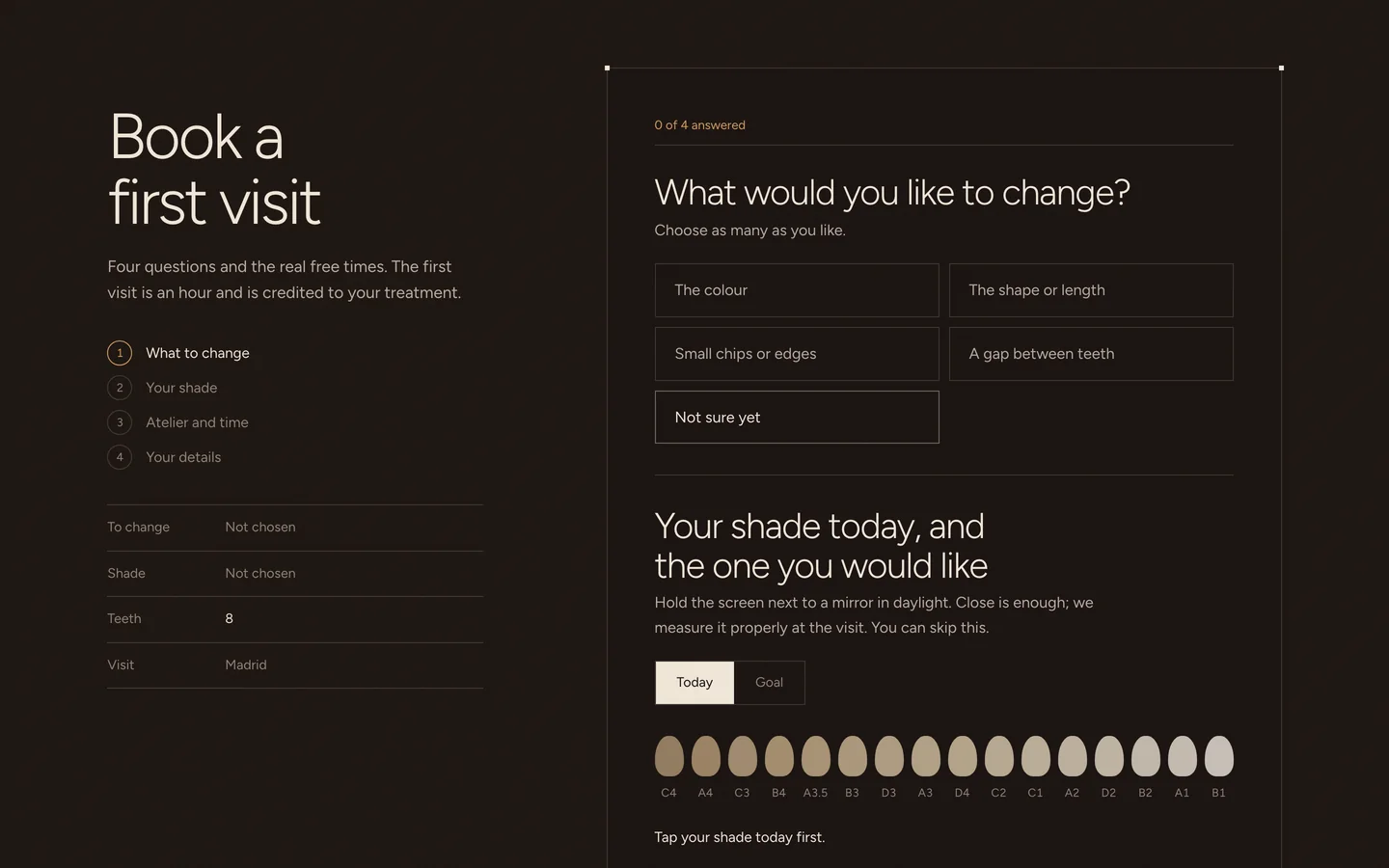
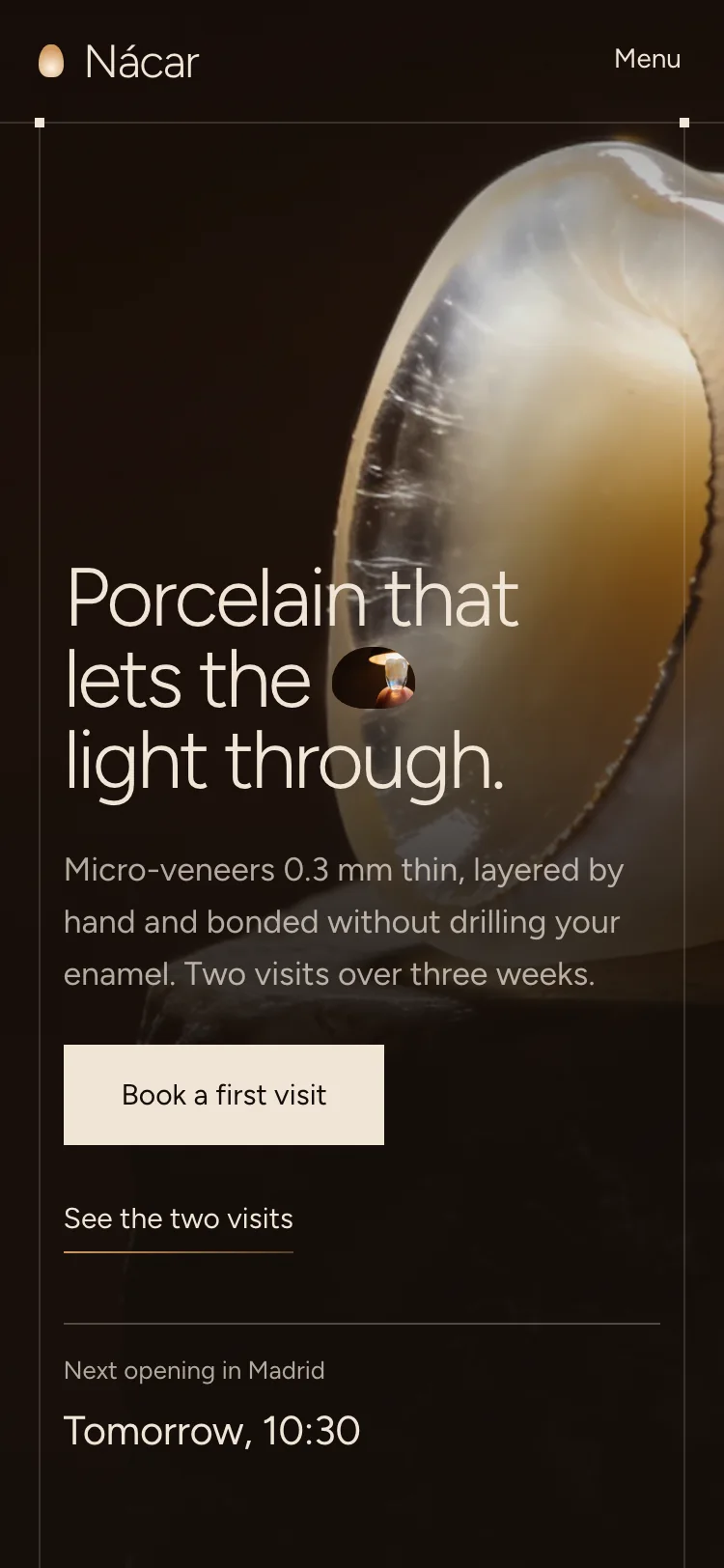
A treatment page for micro-veneers: what they are, the two visits, the options compared, before and after cases and a booking with the shade guide that fills a ticket as you answer. It ships as the starter, ready to rename.
In the kit
DESIGN.md- Rules for building with the system, written to hand to Claude, Lovable or a developer
tokens/tokens.json- Every colour, size, space and timing as named tokens, with the sixteen shade tabs
tokens/tokens.css- The same tokens as CSS variables, including the three shades
css/nacar.css- All components and their states
js/nacar.js- Shade, the shade guide, the stage, before and after, warming words, opening hours, the loader, dialogs and toasts. No dependencies
components.html- Every component in every state, side by side
starter/index.html- A treatment page for micro-veneers with a booking form, built only from the system
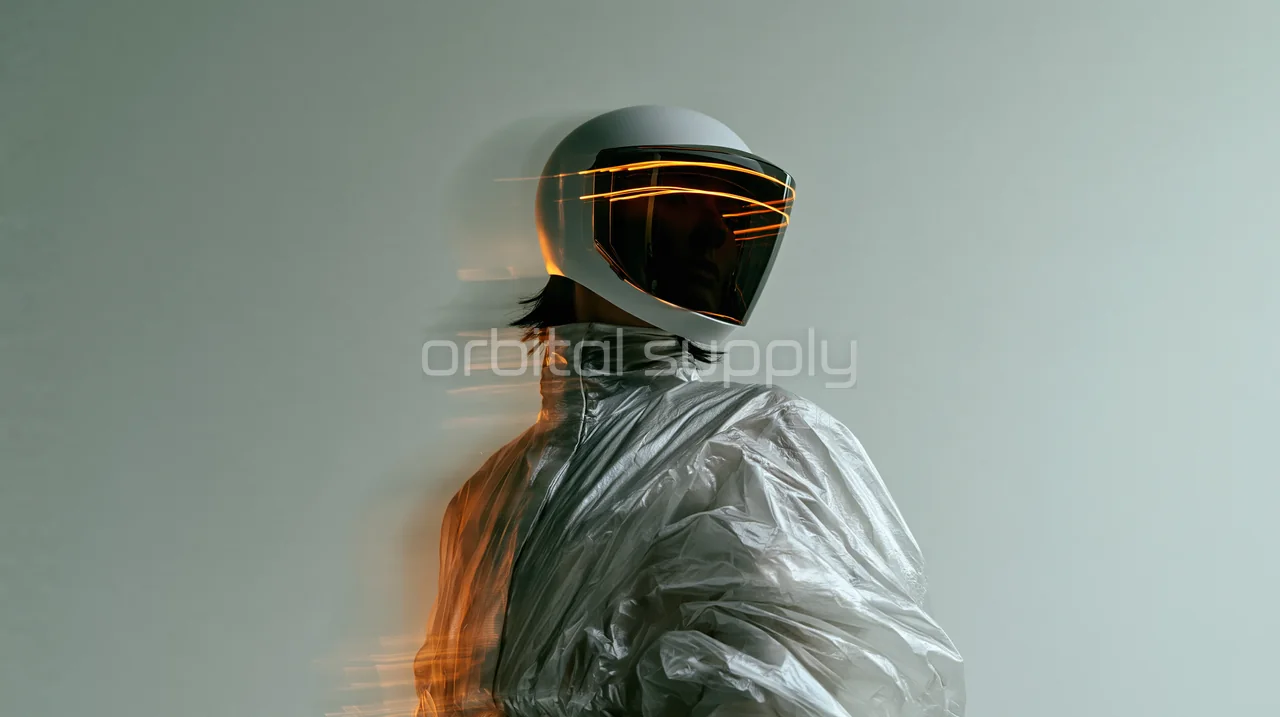
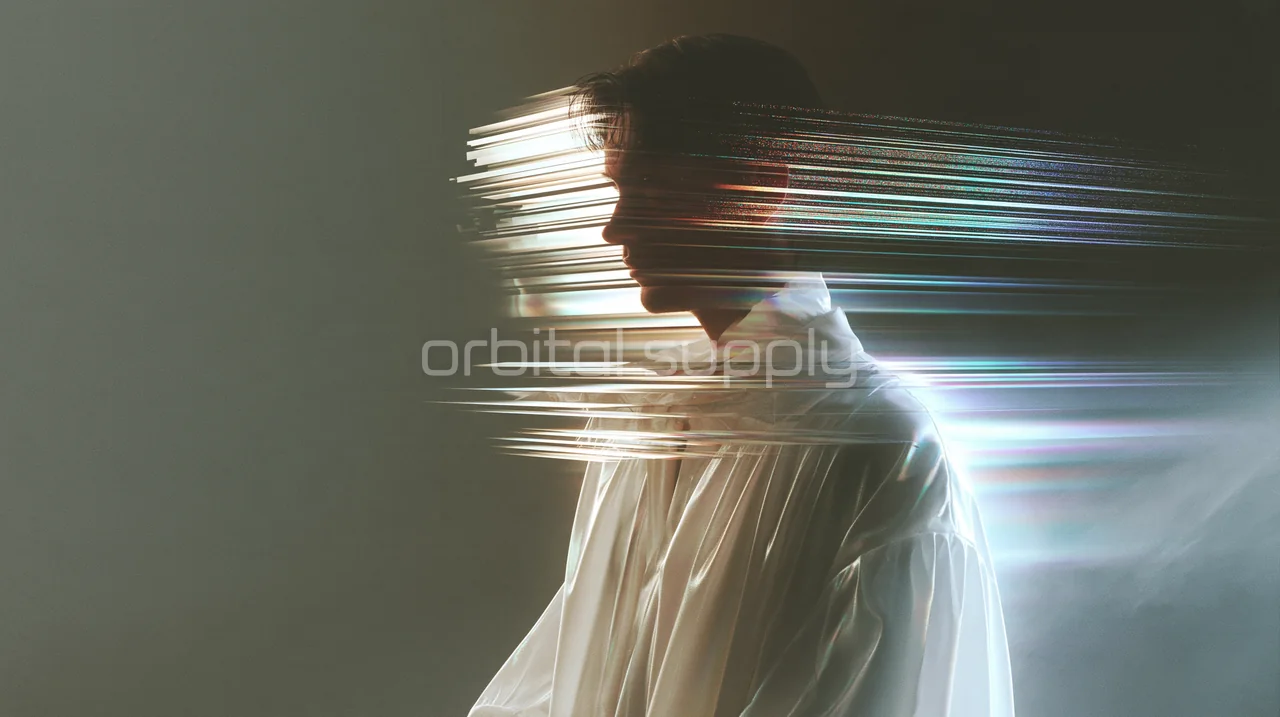
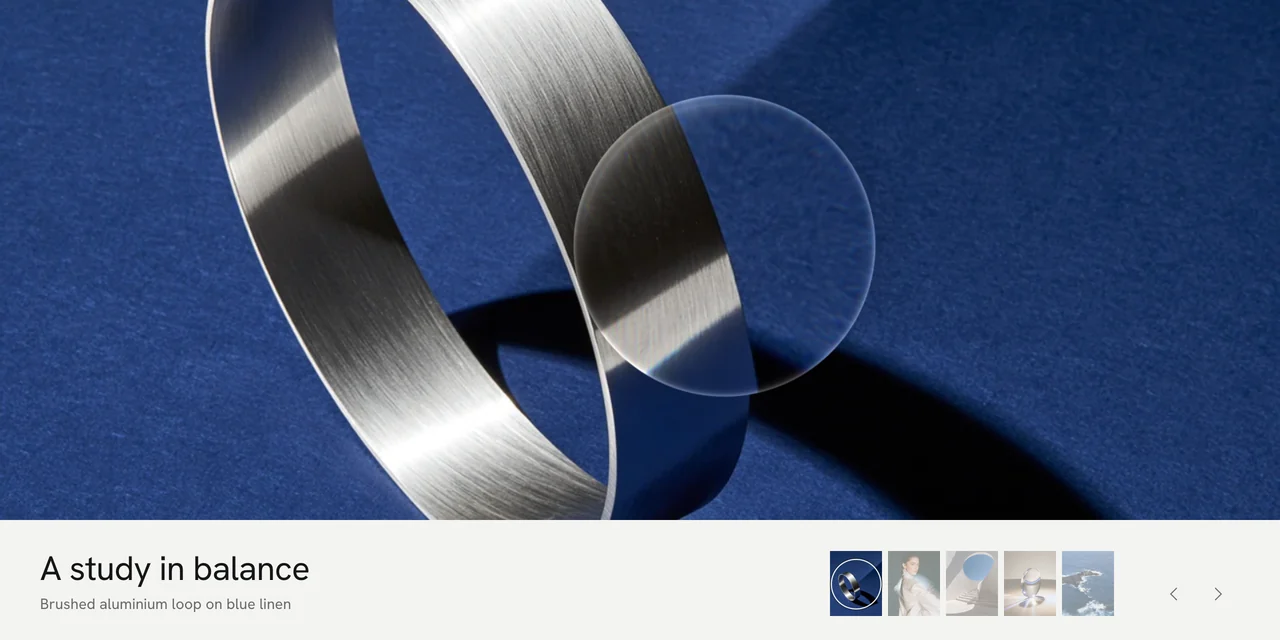
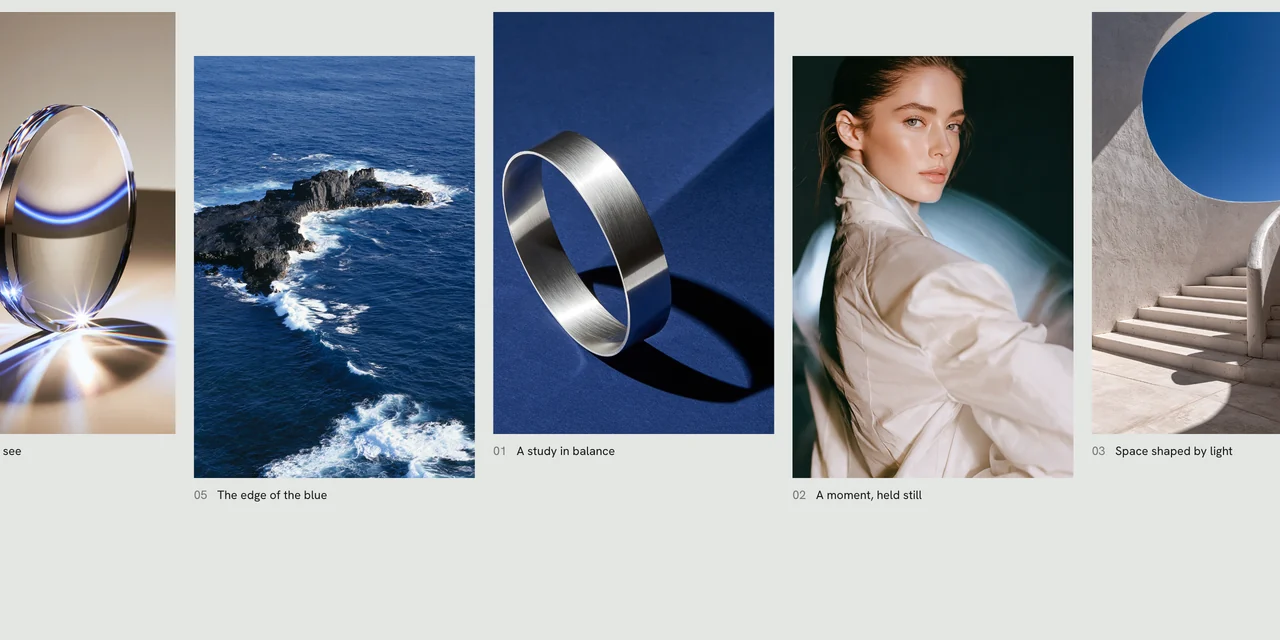
assets/imagery/- Backlit, sitter and atelier photographs at full resolution
LICENSE.md- Commercial use in your own and client projects
Building with an AI
Attach DESIGN.md
Add it to your conversation in Claude, Lovable or any AI builder.
Describe your page
In your own words, with your own brand and content.
Keep the code or port it
Link the token and component CSS, or ask for React. The rules hold either way.
Components
- Layout
- Frame, Twelve-column grid, Section and sheet, Section head, Panel, Scene, Figures, Ledger, Grain
- Actions
- Porcelain button, Line button, Ghost button, Icon button, Call to action, Text link
- Input
- Text field, Field with prefix, Select, Long text, Checkbox, Veneer radio, Switch, Option tiles, Segmented control, Shade guide, Time slots, Range
- Data
- Tabs, Row tabs, Index, Comparison table, Ticket, Counter
- Status
- Shade switch, Tag, Open now, Notice, Steps, Progress, Loader, Next opening, Toast
- Content
- Headline capsule, Card, Portrait, Before and after, Stage, Rooms, Statement, Word wall, Questions
- Overlay and navigation
- Dialog, Navigation bar, Mobile menu, Footer
 Built from Nácar
See the full website the system comes from.
Back to design systems