



































Video, WebGL or CSS: what to use for a hero background
Each one fails in a different way. How we choose between them across 64 websites, and what we measure before shipping.
In short
Use video for a hero background when the image is the idea, WebGL when the visitor's input has to change what they see, and CSS for type, interface and simple gradients. Browser support does not decide it, since H.264 video reaches 97.49% of browsers and WebGL 2 reaches 97.13%, according to Can I use. Weight separates them more. Our desktop loops have a median of 2.91 MB, three.js adds about 194 KB gzipped, and CSS adds almost nothing. When the picture has to look photographic, start with video.
- Choose video for photographic scenes, at a median of 2.91 MB on desktop.
- Choose WebGL for input, and expect about 194 KB gzipped if you use three.js.
- Choose CSS for text and interface, where it adds almost no download.
- Render WebGL on demand, which gave us 0 draw calls at rest.
- Ship a static image first, because software GPUs reach only 10 to 15 frames per second.
The comparison at a glance
Choose by what the hero has to do: video shows, WebGL responds, and CSS carries the text and interface. Support is close to even between video and WebGL, according to Can I use (opens in a new tab), so the choice comes down to weight, looks and what breaks first.
| CSS and SVG | Video loop | WebGL | |
|---|---|---|---|
| Best for | Type, interface, gradients, simple shapes | Photographic scenes | Scenes that respond to pointer, scroll or data |
| Download | Almost none | Desktop 1.09 to 4.84 MB, phone 0.45 to 3.74 MB | Our modules 2.3 to 126 KB, three.js 194 KB, plus models and textures |
| Browser support | Universal for the basics | 97.49% (H.264) | 97.13% (WebGL 2) |
| Reacts to input | Partly | Only by scrubbing with the scroll | Completely |
| Phones | Best of the three | Good, with a vertical crop | Needs a lighter mode and a fallback |
| What breaks first | Large blended layers | Several playing at once | Software rendering and GPU memory |
| Fallback | Not needed | Poster image | Static image |
| Use in our 64 websites | All 64 | 30 | 53 |
Weights measured on our own files on 4 November 2026, with code at gzip level 9. Support from Can I use on the same date. Counts cover each whole site, so a site may use a tool outside its hero.
Use video when the image is the idea
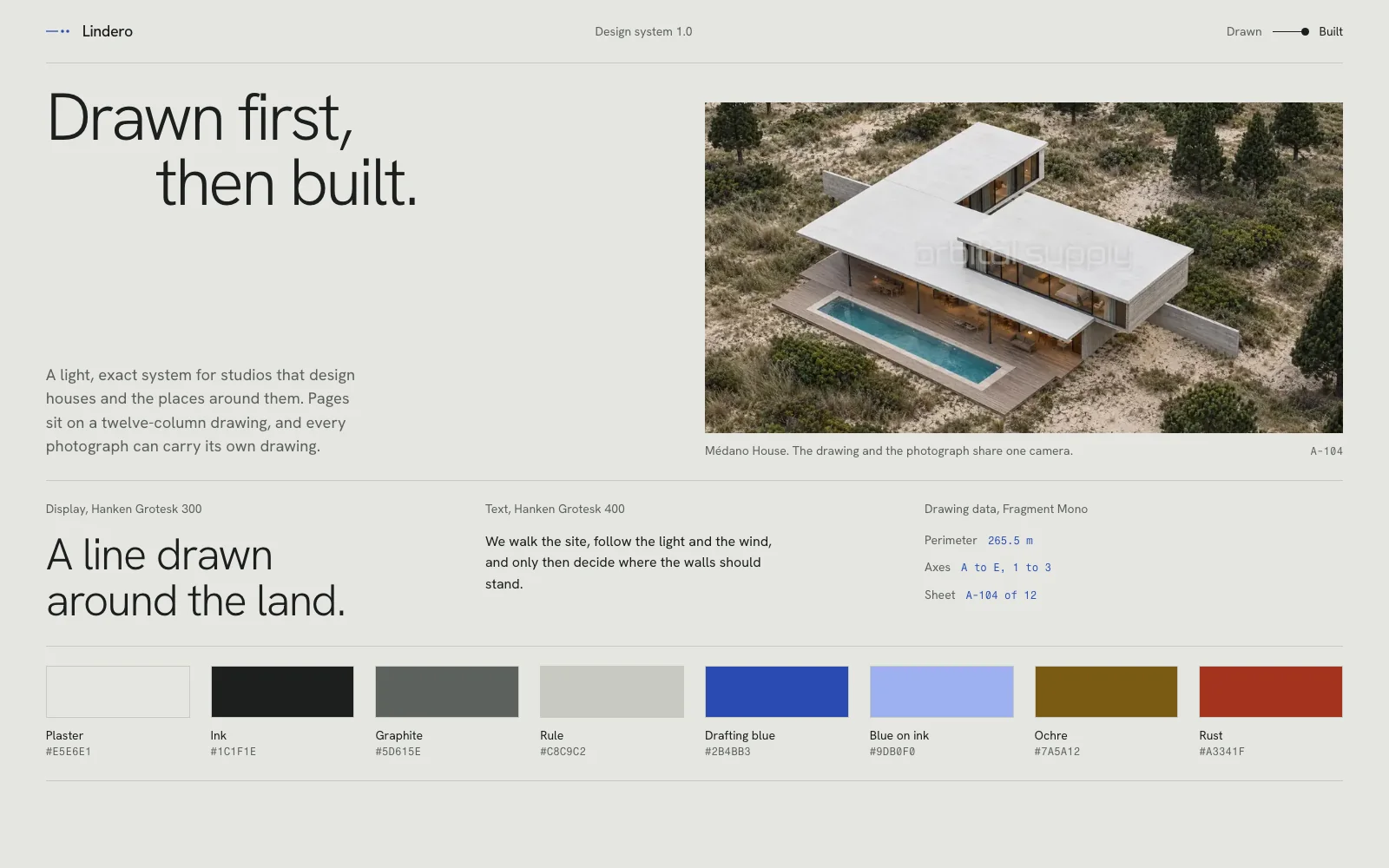
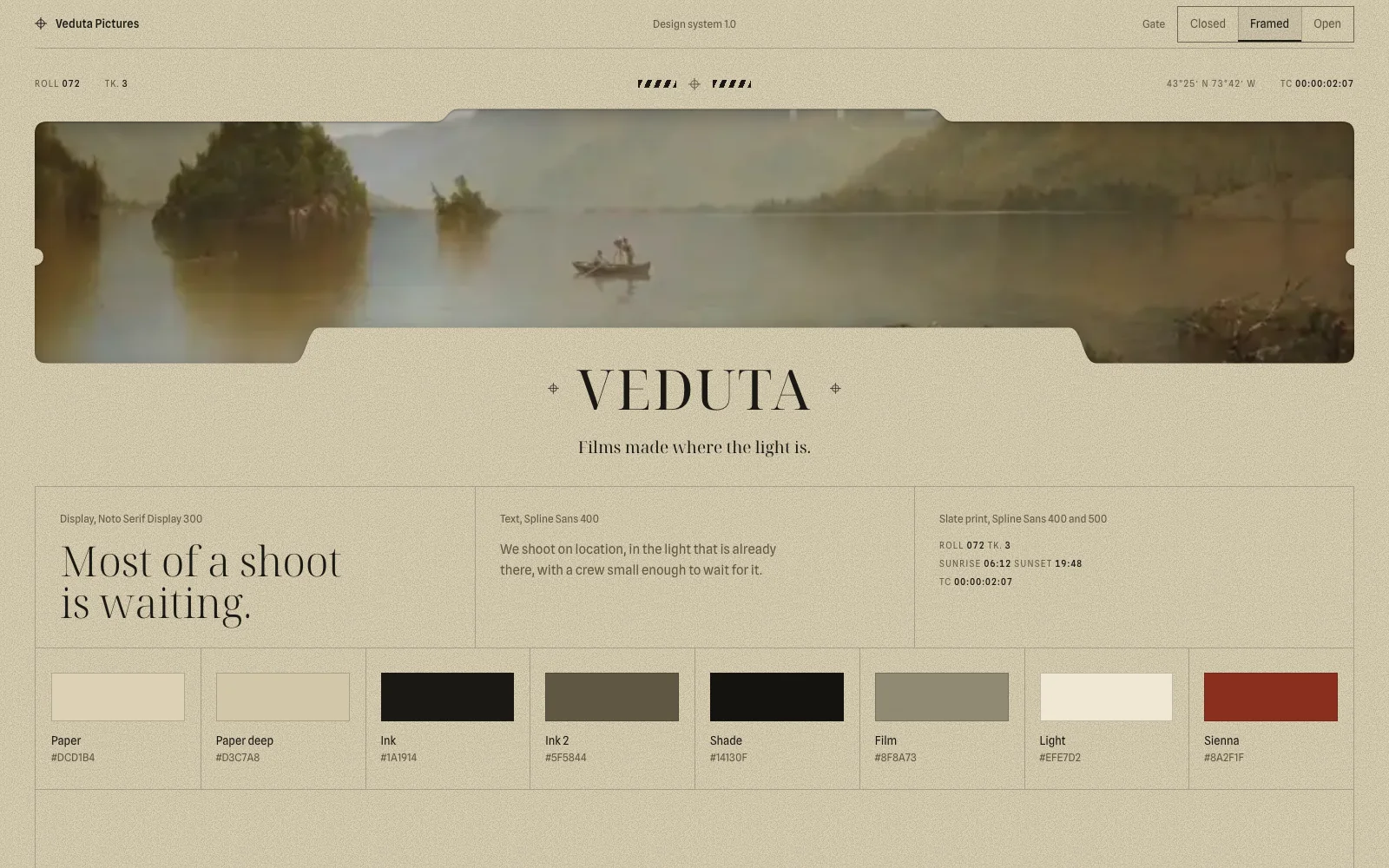
If the first thing a visitor should feel comes from the picture itself, use video. Light on real materials, weather, skin and landscape are the hardest things to reach in real time, and a good loop has them from the first frame. Quick procedural scenes tend to look cheap beside photography, and we have thrown out several for that reason.
Weight is the first risk. Our median phone loop, 1.35 MB, adds more than half of a whole median mobile home page, which weighed 2,362 KB in July 2025 according to the Web Almanac (opens in a new tab). The second risk is playing too much at once. On a 2× screen, the autoplaying previews on our own catalogue dropped scrolling from 60 to about 30 frames per second, and it went back to 60 with them off. Read our guide to making a seamless video background before encoding.
Use WebGL when input changes what you see
WebGL earns its cost when the pointer, the scroll or live data changes the picture. A particle field that bends around the cursor, or glass that responds to the visitor, cannot be recorded in advance. If nothing responds, a recorded video will usually look better for less work. 53 of our 64 websites use WebGL somewhere, and these rules keep the cost down:
- Render on demand. With nothing moving, the page does no work. We measured 0 draw calls at rest and 16.7 ms per frame while animating, on a physical GPU.
- Cap the pixel ratio at 2. Sustained frames over 25 ms can lower it further, down to 0.75, without changing the design.
- Pause the canvas off screen. Nobody needs it running behind the footer.
- Detect software rendering first. SwiftShader and llvmpipe take seconds to create a context and run at 10 to 15 frames per second. Read
WEBGL_debug_renderer_info(opens in a new tab) and go straight to the static image. - Test on a physical GPU. Headless browsers usually render in software, which says little about how the page will perform for visitors.
A <canvas> is not on web.dev’s list of elements for Largest Contentful Paint (opens in a new tab), so the metric usually reads your headline or static image. It will not warn you about a slow engine, so measure that separately.
To compare the techniques in motion, browse our hero section examples.
Use CSS for type, interface and simple gradients
CSS has almost no download cost and no engine that can fail, so let it do everything it can. Text reveals, panels, hovers, gradients and drawn lines rarely need more. web.dev recommends (opens in a new tab) animating transform and opacity, which browsers can handle without recalculating layout or repainting.
Its limit is GPU memory. On one template, black tiles flickered across the page, with edges at multiples of the tile size. It looked like a layout bug, and the cause was three layers: a grain layer at 200% of the screen, a full-screen mask with a blend mode, and hidden layers still in the tree. Removing them fixed it. We collect more cases like this in nine bugs that break animated websites.
Combine them when one job needs two tools
The best answer is often a mix, with video for the image, WebGL for the moment of interaction and CSS for the interface. 21 of our 64 websites use both video and WebGL. On APSIS, we rejected 4 approaches to changing between editions: a shader portal over a photo, generated video transitions, a live photo with particles and a full particle world. The version we accepted kept the generated frames as 5-second loops and did only the change itself in WebGL, in 0.62 seconds.
Keep the text in HTML whatever you choose, so it can be read, translated and indexed. If you are writing this into a prompt, state which tool owns which job, as we explain in how to write a website prompt.
Verdict. Start with video when the picture carries the idea, add WebGL only for what must respond to the visitor, and leave the rest to CSS. That order keeps photographic quality, limits the engine to the moment that needs it (0.62 seconds on APSIS) and leaves the text in HTML. Ship a static image first and measure on a physical device.
Questions
Short answers to what usually comes up next.
Does WebGL hurt SEO?
No, as long as the text stays in the HTML. Search engines read your headings and copy, and a canvas holds neither. Speed is the cost to watch, so load the engine after the page has painted and show a static image first. A canvas is not on web.dev's list of elements for Largest Contentful Paint, so your headline or image gets measured.
Is WebGL supported in all browsers, or should I use WebGPU?
WebGL 2 has full support in 97.13% of browsers according to Can I use in November 2026, and a static image covers the rest. WebGPU has full support in 85.8%, plus partial support in another 3.66%, so it still needs a fallback path of its own. None of our 64 prompts uses WebGPU yet.
Can I scrub a video with the scroll?
Yes, but it needs a different encode, with very frequent keyframes and no B-frames, so any frame can be reached quickly. With a group of 8 frames, our clips came to 11 to 18 MB each, plus a vertical crop of 5 to 6 MB for phones. That is about 4 to 6 times a normal loop, so reserve it for the main film.
Is video always heavier than WebGL?
No. Our engine modules gzip to between 2.3 and 126 KB, and three.js adds about 194 KB, so a shader with no textures stays far below a 2.91 MB loop. A scene with models and textures can pass it easily. Measure both on your own page, because the assets decide the result more than the technique does.
Can I use video and WebGL on the same page?
Yes, and it often gives the best result. Of our 64 websites, 21 use both, and only 2 use neither. Give each one its own job, such as video for the image and WebGL for the moment of interaction, and do not let two engines animate the same property of the same element.
What should a hero background fall back to?
A static image, in all three cases. We serve it when the visitor prefers reduced motion, which 97.22% of browsers can report, and when a device reports under 4 GB of memory, under 4 cores or data saving. We also serve it when WebGL falls back to software rendering, which is too slow for a moving scene.
Skip the blank page
Start from a finished website.
Each template is a tested prompt with its code, assets and motion.Keep reading
All articles
How to write a website prompt that builds the whole site
The six parts a complete website prompt needs, measured across 62 prompts from our catalogue.
How to make a seamless video background for a website
Five steps to a hero loop with no visible cut, from the generation prompt to the final video tag.