














What is DESIGN.md? How to write one your AI tool will follow
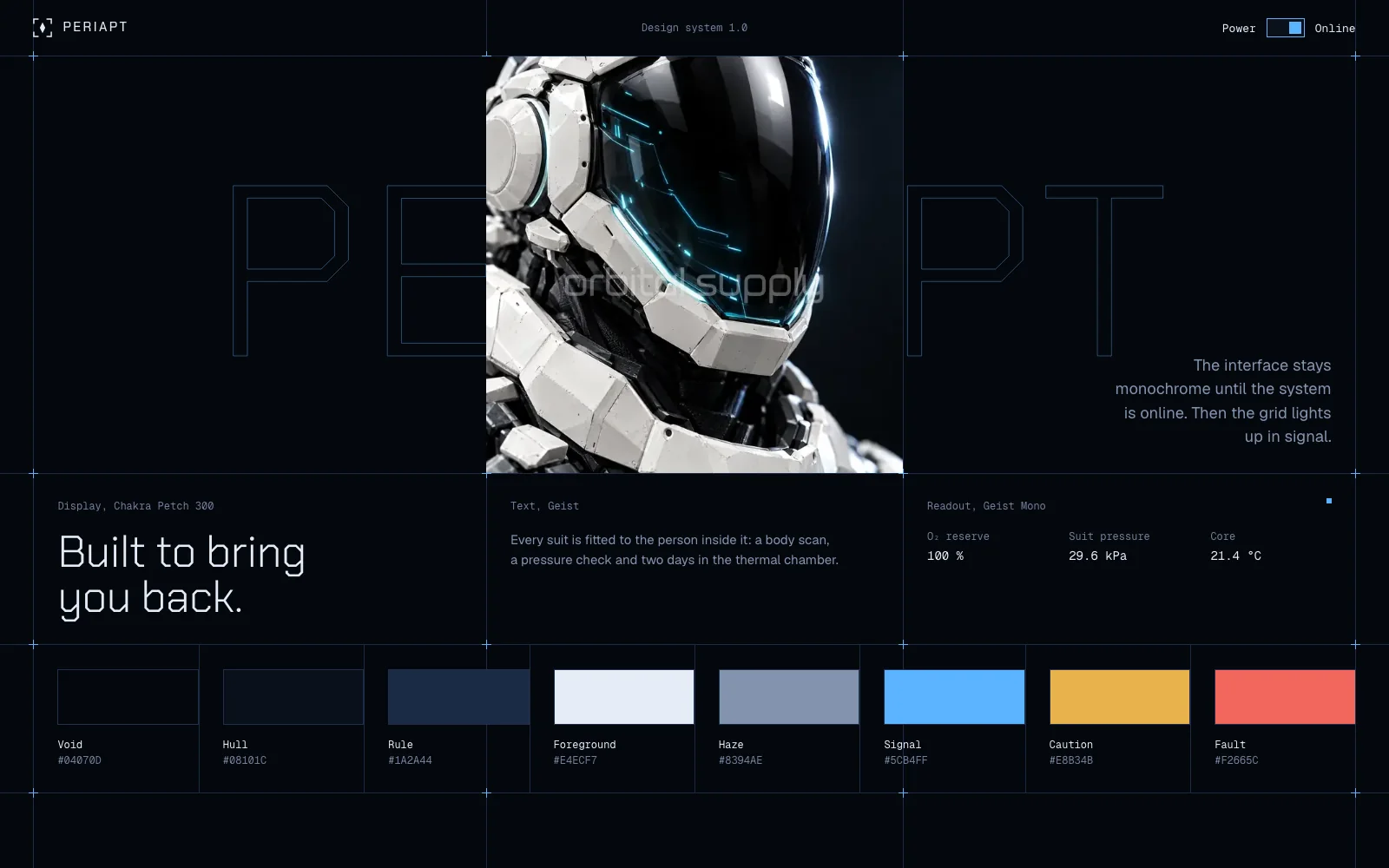
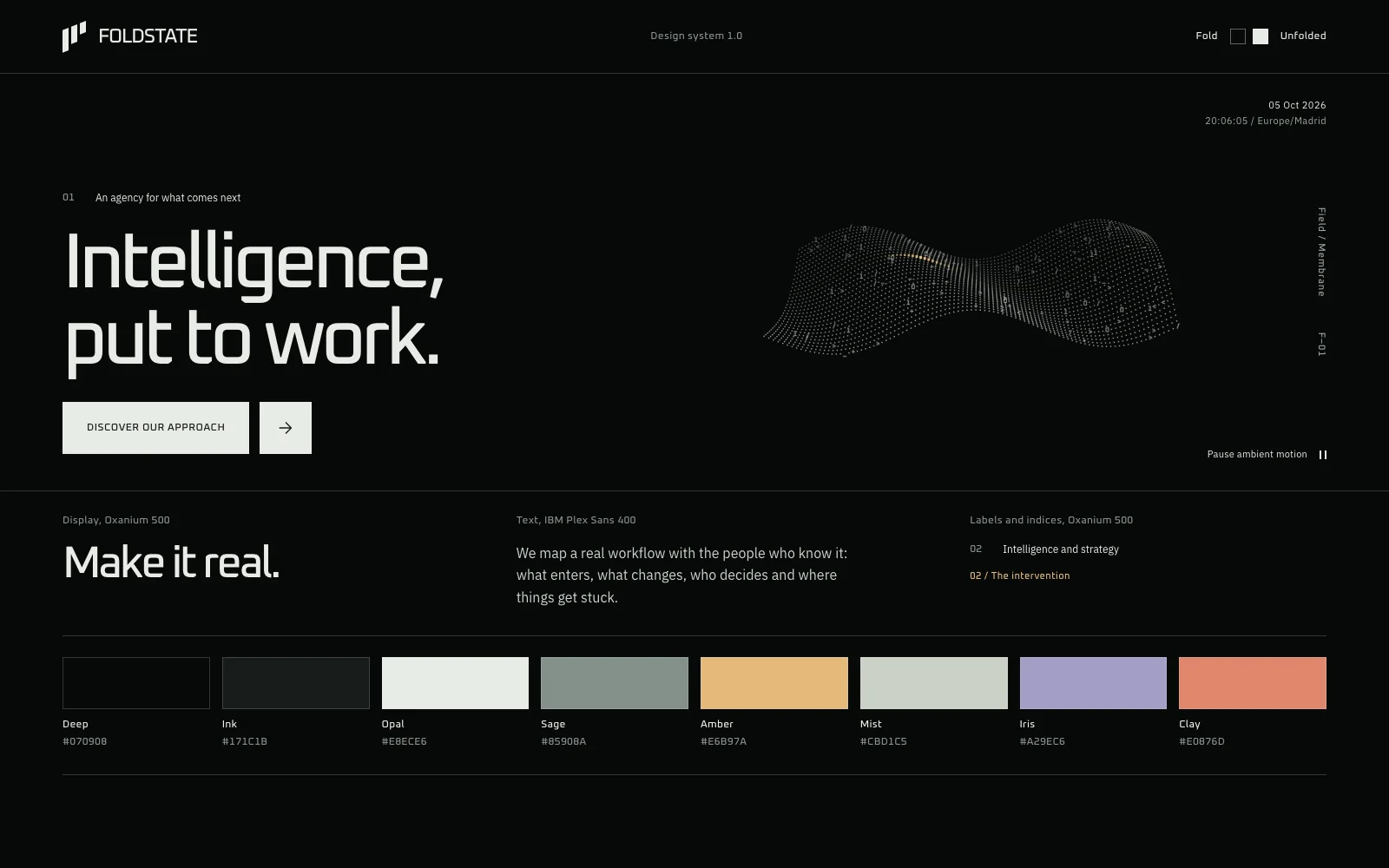
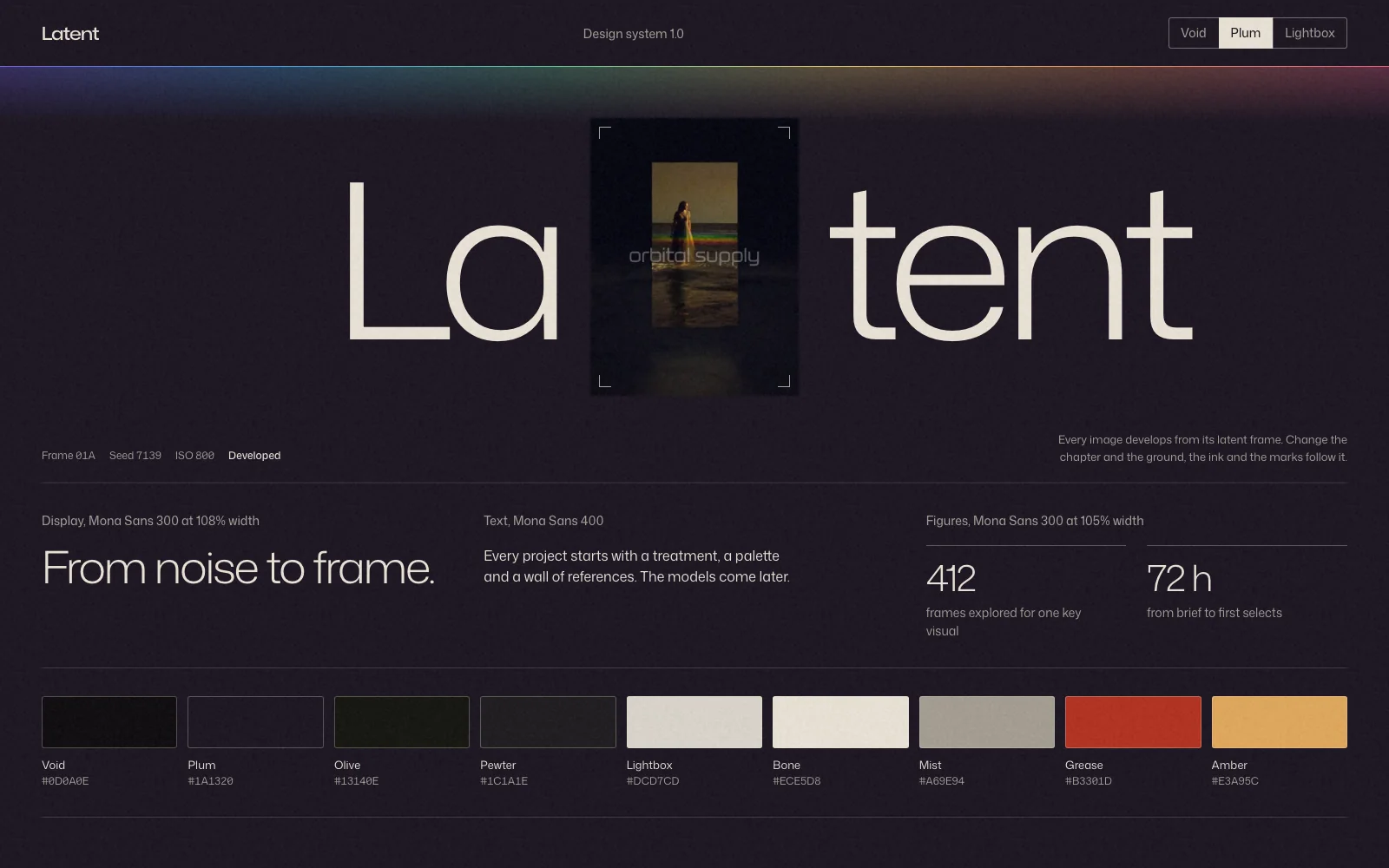
The format, what to put in it and where it falls short, from a catalogue of 13 design systems that ship with one.
In short
DESIGN.md is a Markdown file that describes a visual identity to coding agents, so they build with your colours, type and rules instead of their defaults. Google Labs publishes it as an open format, still in alpha. Exact values give an agent the look, and written reasons tell it how to use them.
- The format pairs machine-readable tokens in YAML with written reasons in Markdown.
- Copying a famous brand's file teaches you the format, but the identity still isn't yours.
- Rules about what not to do and how things move are often the most useful lines.
- A DESIGN.md sets a system. It doesn't decide what each page should say or how it should unfold.
- Our 13 files run from 1,614 to 2,897 words, so expect a real document.
What is DESIGN.md?
DESIGN.md is a Markdown file that gives a coding agent a lasting description of your visual identity. Without one, an agent falls back on what it has seen most, which is why so many AI-built sites share a look.
The specification (opens in a new tab) comes from Google Labs under the Apache 2.0 licence, and its status is alpha. A file has two layers. Tokens in YAML hold exact values, and Markdown prose explains why those values exist and how to apply them.
What goes in a DESIGN.md file
A DESIGN.md holds exact tokens at the top and written guidance by section below. The official format uses this structure:
| Layer | What it holds | Example |
|---|---|---|
| Tokens | Colours, type, spacing and radii as exact values | primary: "#1A1C1E" |
| Overview | The character of the identity | “A high-end broadsheet” |
| Colors | The job of each colour | “The sole driver for interaction” |
| Typography, Layout, Shapes | How to apply type, space and form | Margins, grids, corner rules |
| Components | How parts look and behave | Buttons and their states |
| Do’s and don’ts | What keeps the identity intact | “Never use two accents” |
Based on the DESIGN.md specification from Google Labs, version alpha. The examples are illustrative.
The same project publishes a command-line tool that checks a file against the format, including token references and contrast. Run it once your file exists.
What a real one looks like
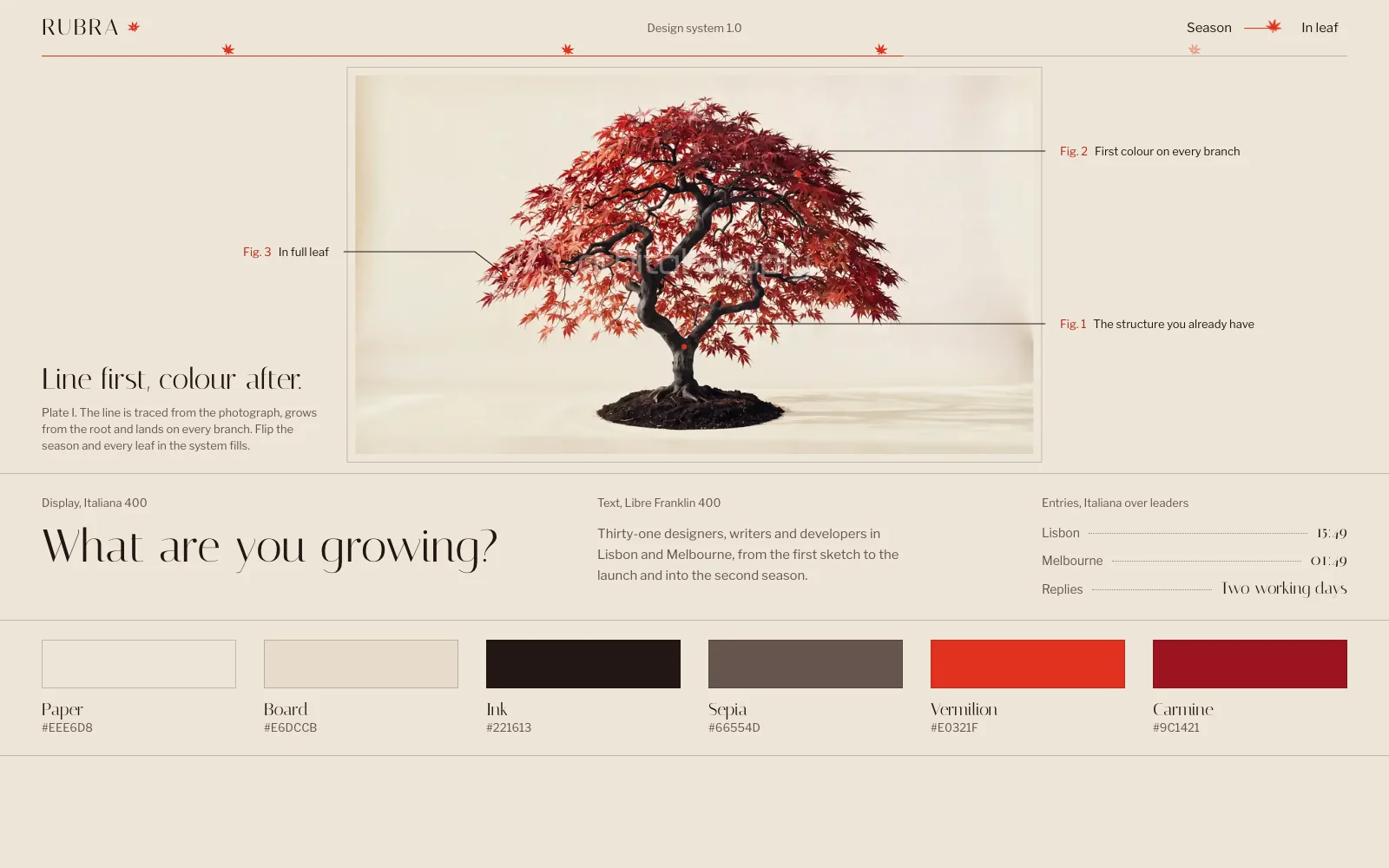
A useful file describes one identity precisely enough that two people would make the same call. This is the opening of the DESIGN.md in our RUBRA design system, shortened:
1. Character

Editorial, warm, exact. A RUBRA page reads like a botanical plate in a good
book: cream paper, a fine serif, hairline rules, one red that means growth.
Nothing is decorative unless it carries information.

2. Colour

| Token          | Value   | Use                                   |
| --rb-paper     | #EEE6D8 | Page background                       |
| --rb-ink       | #221613 | Text, control borders, the traced tree |
| --rb-vermilion | #E0321F | The bloom, focus rings, accent type   |
Notice “one red that means growth”. That line stops an agent adding a second accent, and a hex code alone wouldn’t. Our files also cover type, the grid, components, motion, imagery, writing and an accessibility floor, and they end with a list of what to do and what to avoid.
They also differ from the official format in one way. Ours open with prose and keep the values in a CSS file beside the document, because each one ships inside a kit with live components. A tool that reads only YAML tokens wouldn’t find them there.
Why copying a famous brand’s file isn’t enough
A file extracted from a famous brand is a good way to learn the format, but it describes someone else’s identity. Collections of these files are popular: awesome-design-md (opens in a new tab) has over 125,000 stars on GitHub.
They do solve the first problem, because the agent stops using its defaults. They leave three others:
- You look like them. Your site inherits a look that belongs to another company, which is a poor start for a brand and a risk if you ship it as your own.
- Extraction shows what, not why. Reading a site gives you its colours and sizes. It rarely gives you the rule behind them, and the rule is what holds up on a page the brand never designed.
- Motion is mostly missing. How a site moves can’t be read from a stylesheet alone, and motion is a large part of what makes a site feel designed.
DESIGN.md, screenshots or a finished prompt?
Use a DESIGN.md to keep a system consistent, screenshots to show a mood, and a finished prompt to rebuild one specific website. They answer different questions, so many projects need more than one.
| Input | Best for | Where it falls short |
|---|---|---|
| Screenshots | Showing a feeling quickly | The agent guesses every value, and motion is invisible |
| DESIGN.md | Keeping many pages consistent | Doesn’t say what a page contains or how it unfolds |
| Finished prompt | Rebuilding one complete site | Long, and written for that site only |
Our working view from building with all three. We have not yet measured them side by side.
A DESIGN.md won’t turn a weak page into a good one. It can make every card the right colour and still leave you with a hero and three cards. For the page itself, you still need a prompt that sets the whole journey.
How to write your own
Start from the decisions the agent keeps getting wrong, and add a rule each time you correct something twice. A first version takes less time than the corrections it saves:
- Describe the character in two sentences. Compare it to something physical, like a printed book or a machine.
- Give each colour one job. If two colours do the same job, drop one.
- Set two typefaces with sizes, including what the headline must never do.
- Name one signature. The one thing that makes a page recognisably yours.
- Describe motion. The trigger, the change, the duration and the end state.
- Write what to avoid. Rounded cards, gradients and centred heroes are what the agent will reach for.
- Test it. Rebuild one page in a clean session and fix what it got wrong.
If you use Claude Code, keep the file next to the process in our guide to building a website with Claude Code.
Verdict. Write a DESIGN.md as soon as you build more than one page. Keep it short at first, add a rule each time you correct something twice, and don’t expect it to design the page for you.
Questions
Short answers to what usually comes up next.
Who created DESIGN.md?
Google Labs publishes the specification under the Apache 2.0 licence, and its design tool Stitch uses the format. The specification is marked as alpha, so expect it to change. Because it is plain Markdown, you can hand it to other tools too.
Where should I put a DESIGN.md file?
In the root of your project, next to your other documentation, and committed to the repository. Then mention it in your request or in your CLAUDE.md, so the agent reads it before it starts. Don't assume every tool picks it up on its own.
Does DESIGN.md work with Claude Code, Cursor and Lovable?
Any tool that can read a file can use it, because it is plain text. What differs is how closely each one follows it. We hand ours to Claude with the request and rebuild to check. We haven't compared every tool yet, so test on one section first.
What is the difference between DESIGN.md and CLAUDE.md?
CLAUDE.md says how to work in a project, including its process, commands and rules. DESIGN.md says how the product looks and behaves. Keep them apart and point from one to the other, so a visual change doesn't touch your working instructions.
How long should a DESIGN.md be?
As long as it takes to settle what an agent would otherwise guess. Ours run from 1,614 to 2,897 words, because they also cover components, motion and accessibility. A short file with colours and type is still useful for a small project.
Do I need a design system before writing a DESIGN.md?
You need decisions, not a finished system. A palette with a job for each colour, two typefaces, a spacing scale and a few rules are enough to start. Add a line each time the agent gets something wrong.
Skip the blank page
Start from a finished website.
Each template is a tested prompt with its code, assets and motion.Keep reading
All articles
How to write a website prompt that builds the whole site
The six parts a complete website prompt needs, measured across 62 prompts from our catalogue.
How to make a seamless video background for a website
Five steps to a hero loop with no visible cut, from the generation prompt to the final video tag.