



















How to write a website prompt that builds the whole site
The six parts a complete website prompt needs, measured across 62 prompts from our catalogue.
In short
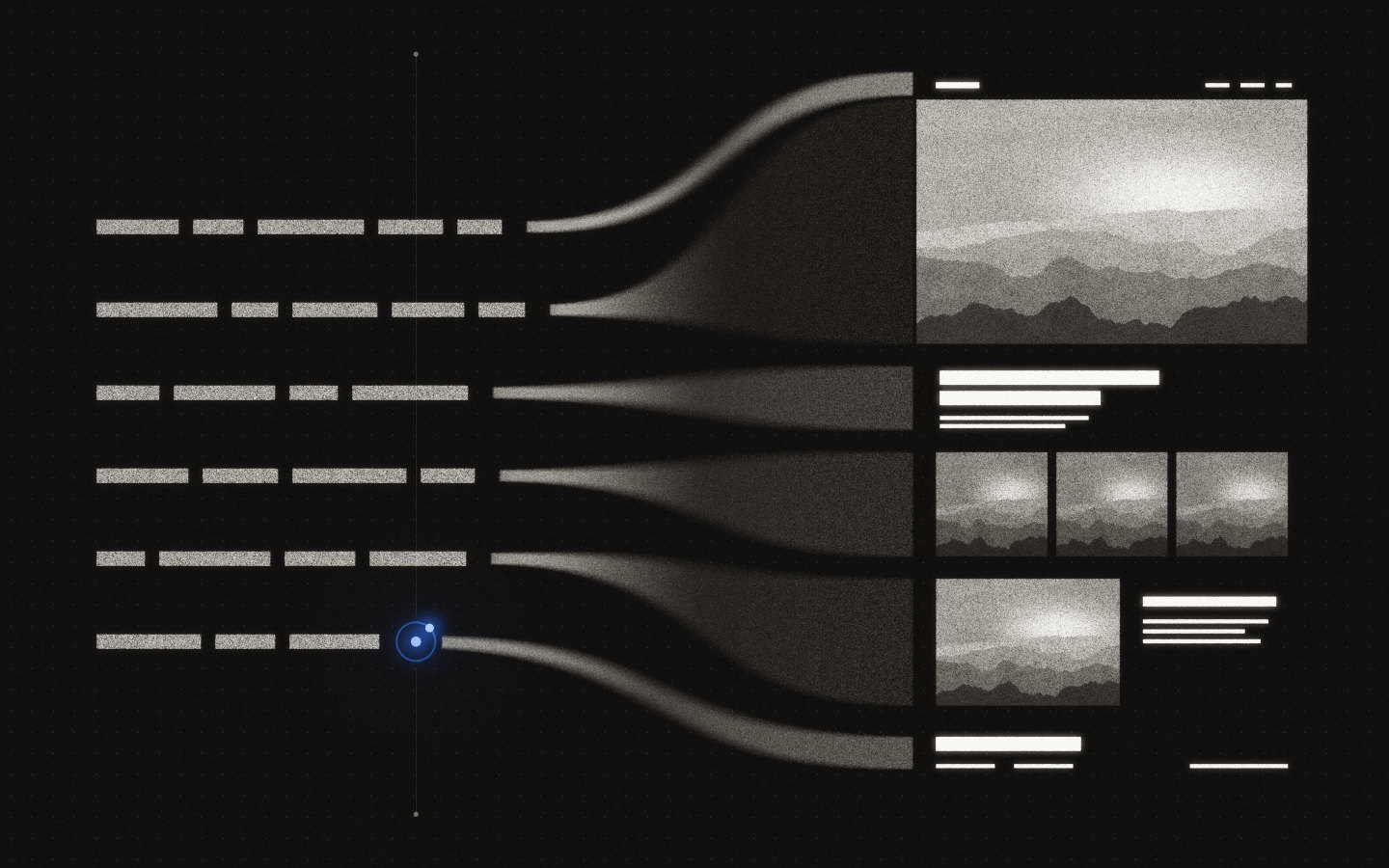
A website prompt builds the whole site when it sets decisions as exact values and leaves no mood for the tool to interpret. It needs six parts. The stack with versions, the identity as fonts and hex colours, every section in scroll order with its copy, motion as trigger and end state, assets by permanent URL, and what changes on a phone. Across the 62 prompts we measured, the median length is 49,731 characters, just under our internal cap of 50,000.
- Set decisions as values, because "Questrial at 88 px" gives the same result twice.
- Expect length, since our prompts run from 10,627 to 49,993 characters.
- List the loader, sections, transitions and footer in scroll order, with final copy.
- Name your widths in the prompt, such as 375, 768, 1440 and 1920 pixels.
- Rebuild from the prompt alone in a clean session before you trust it.
Why most prompts stop at the hero
A prompt that describes a mood gets one screen back, because every word you leave out becomes the tool’s most common answer. “A cinematic landing page for a design studio, dark, elegant, with smooth animations” gives a tool 13 words to work with. It fills the rest with defaults: three feature cards, a testimonial row, a pricing table and a fade-in on everything.
Lovable’s prompting guide (opens in a new tab) tells users to name small, specific interface pieces, and Anthropic’s prompting guidance (opens in a new tab) asks for explicit instructions about the output you want. A complete site needs more decisions than a sentence can hold, so a good prompt reads like a specification.
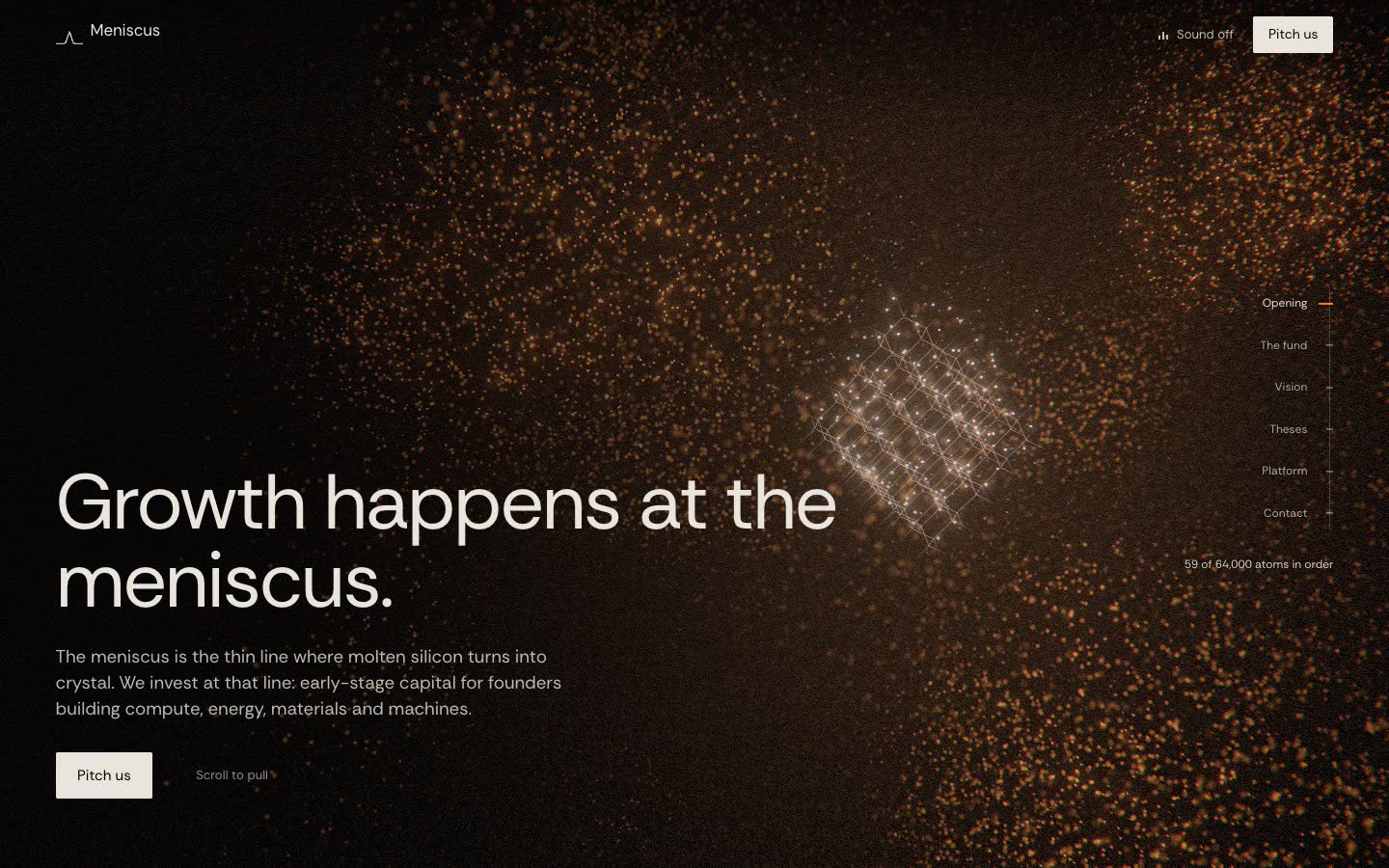
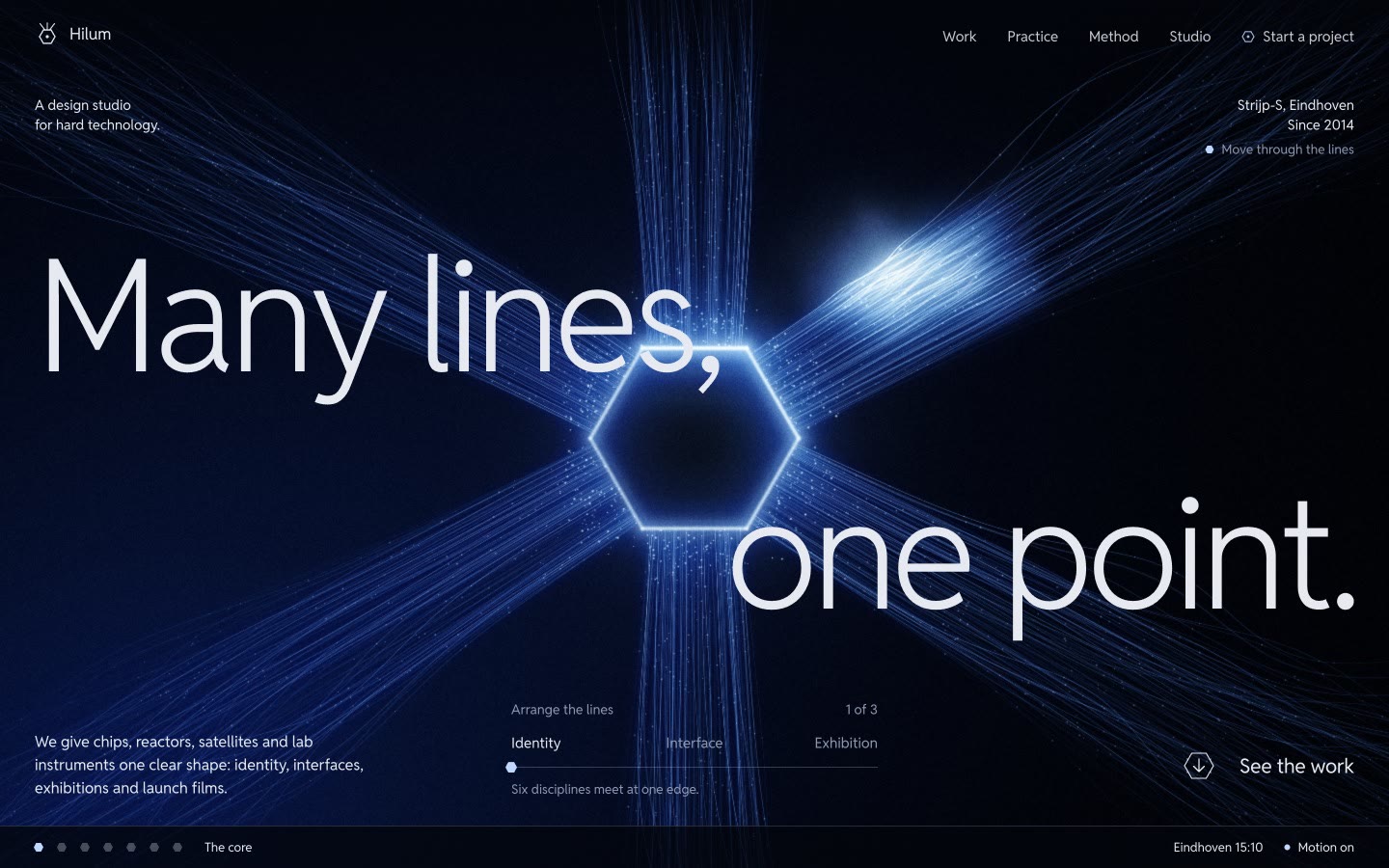
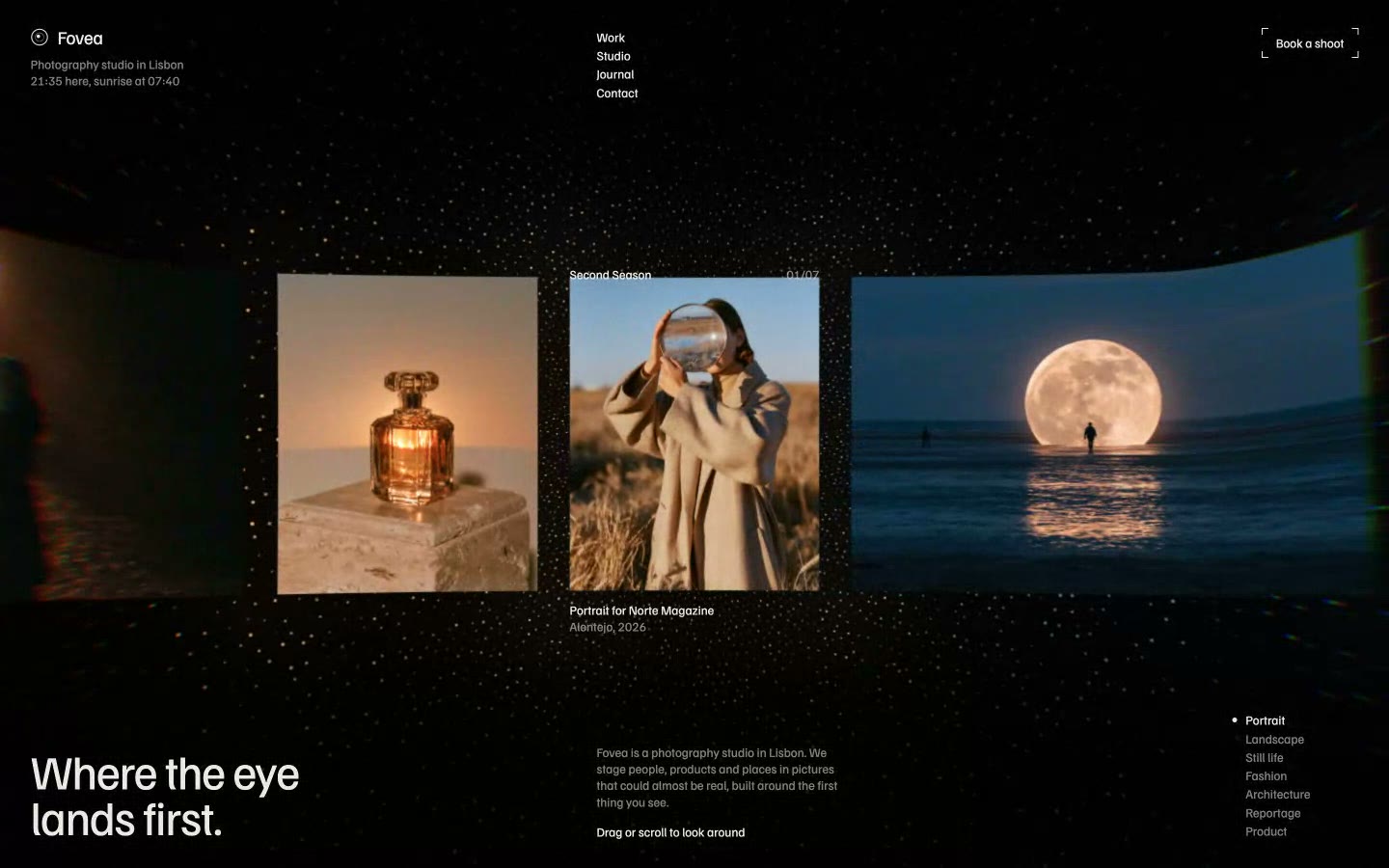
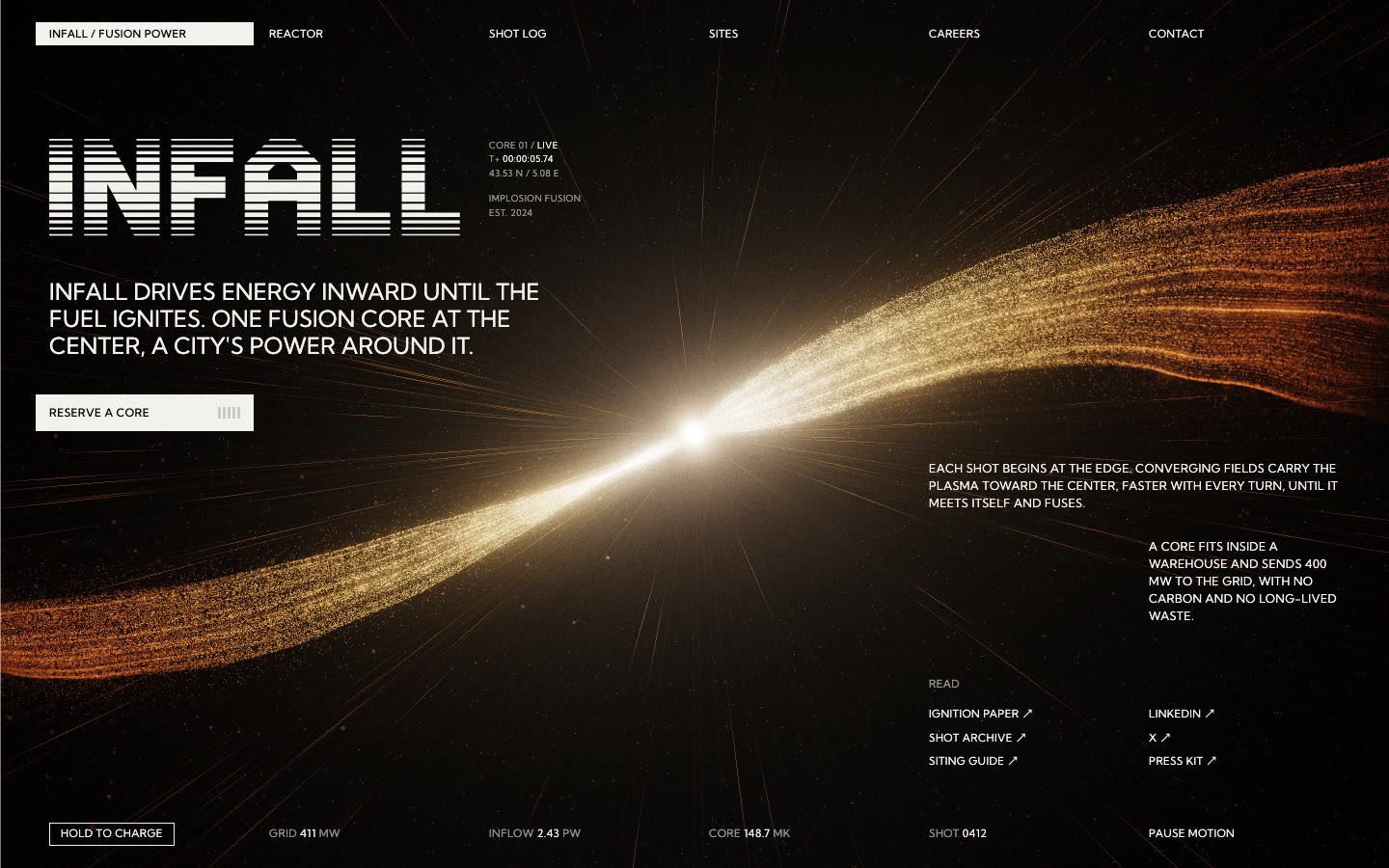
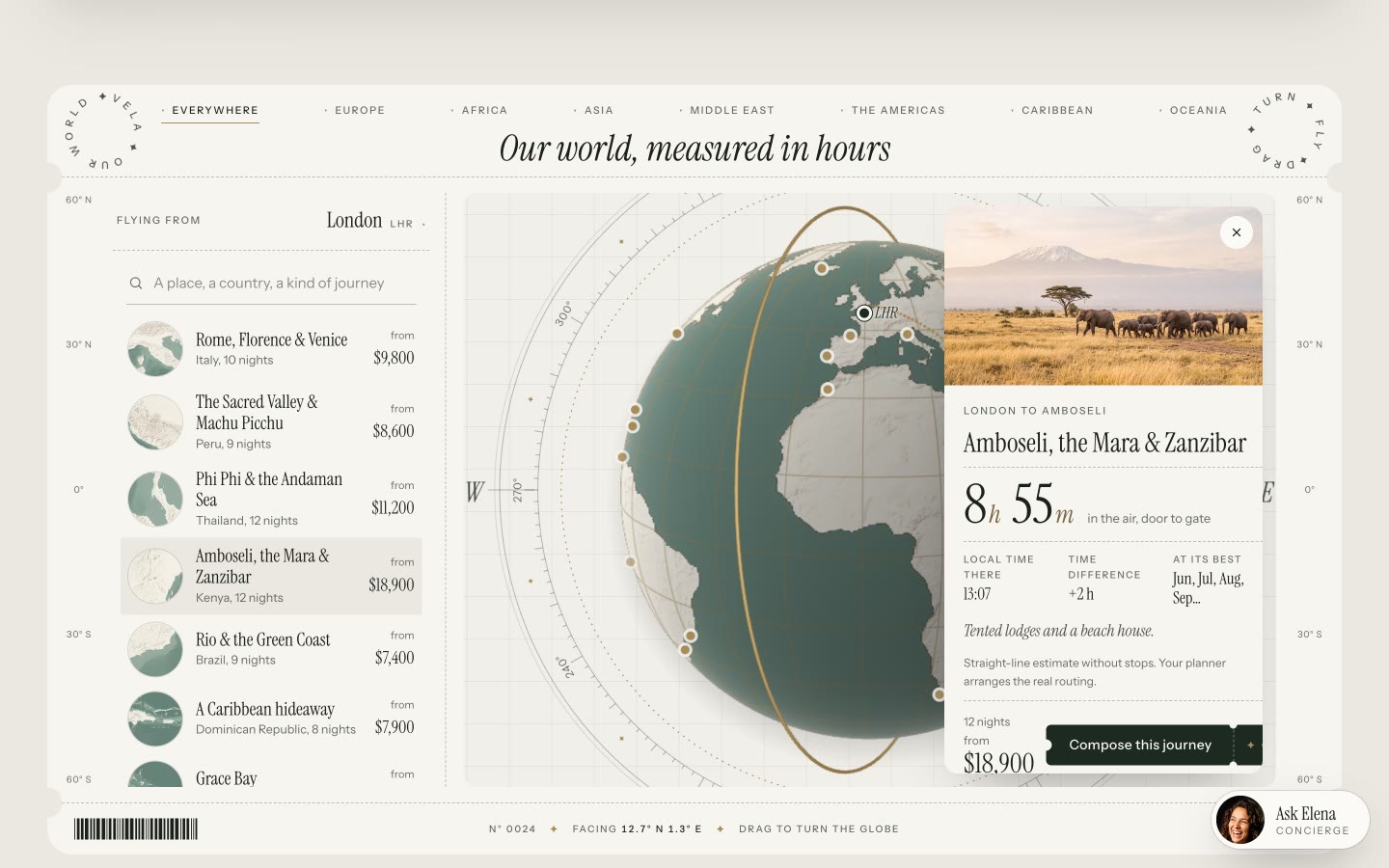
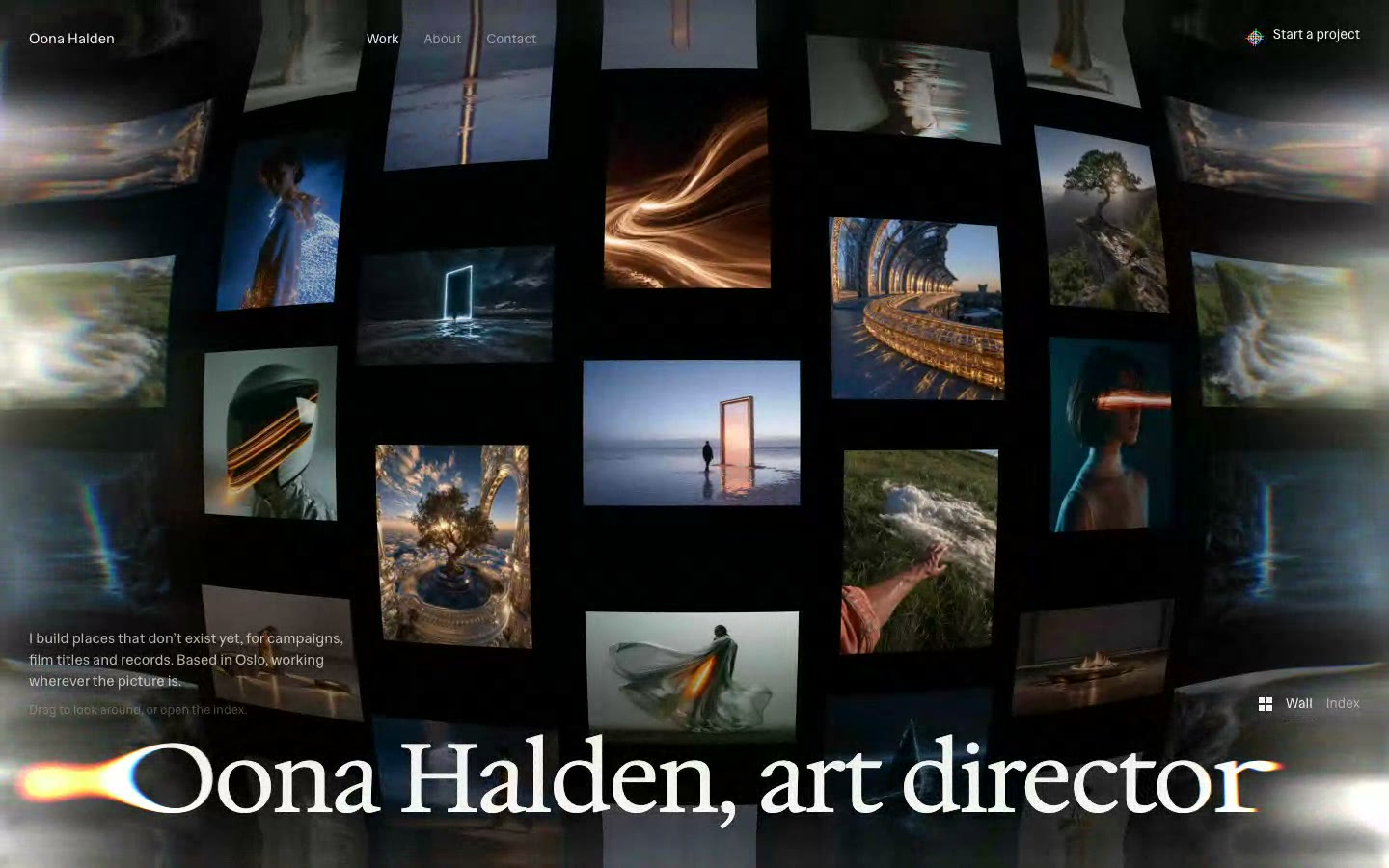
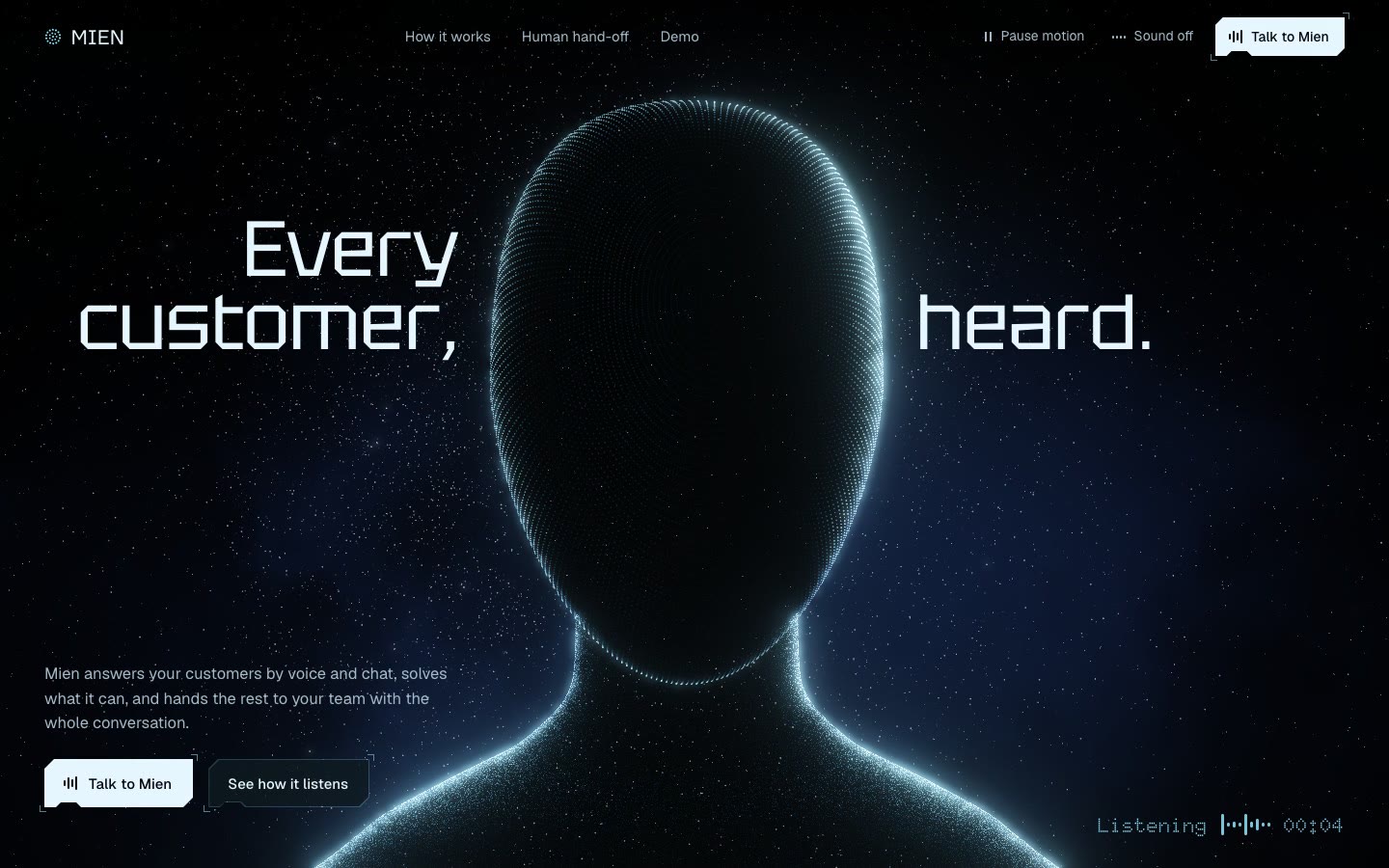
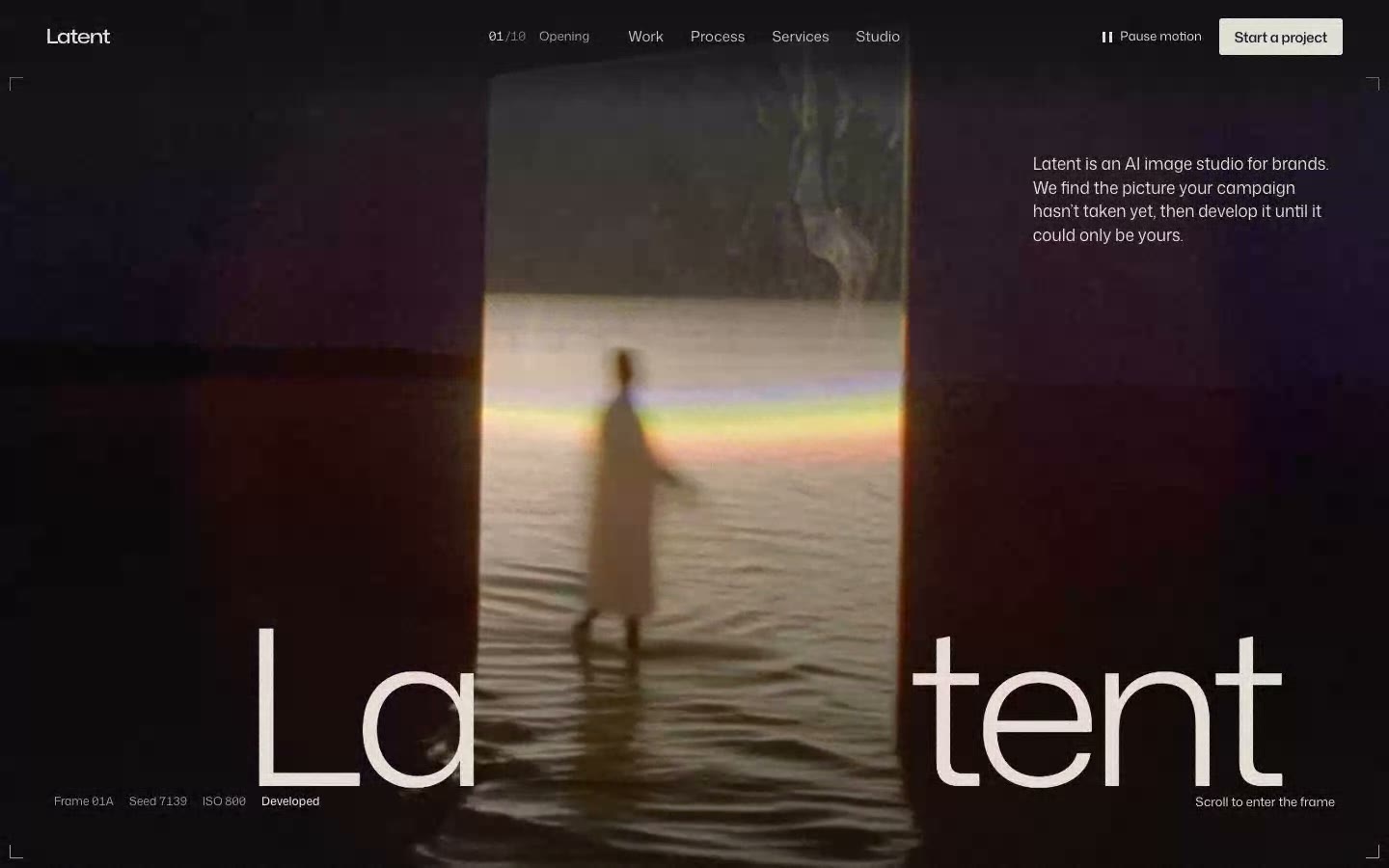
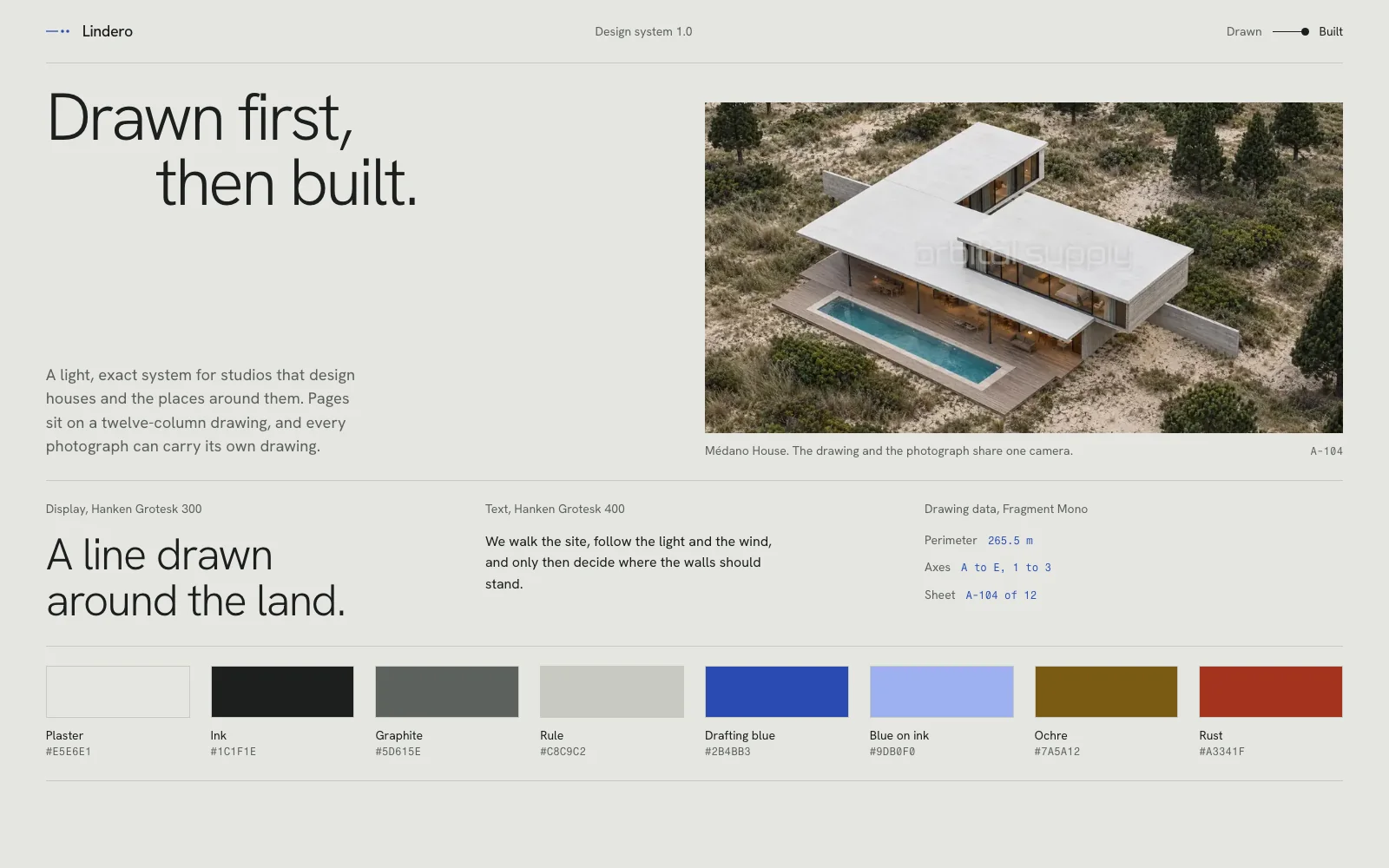
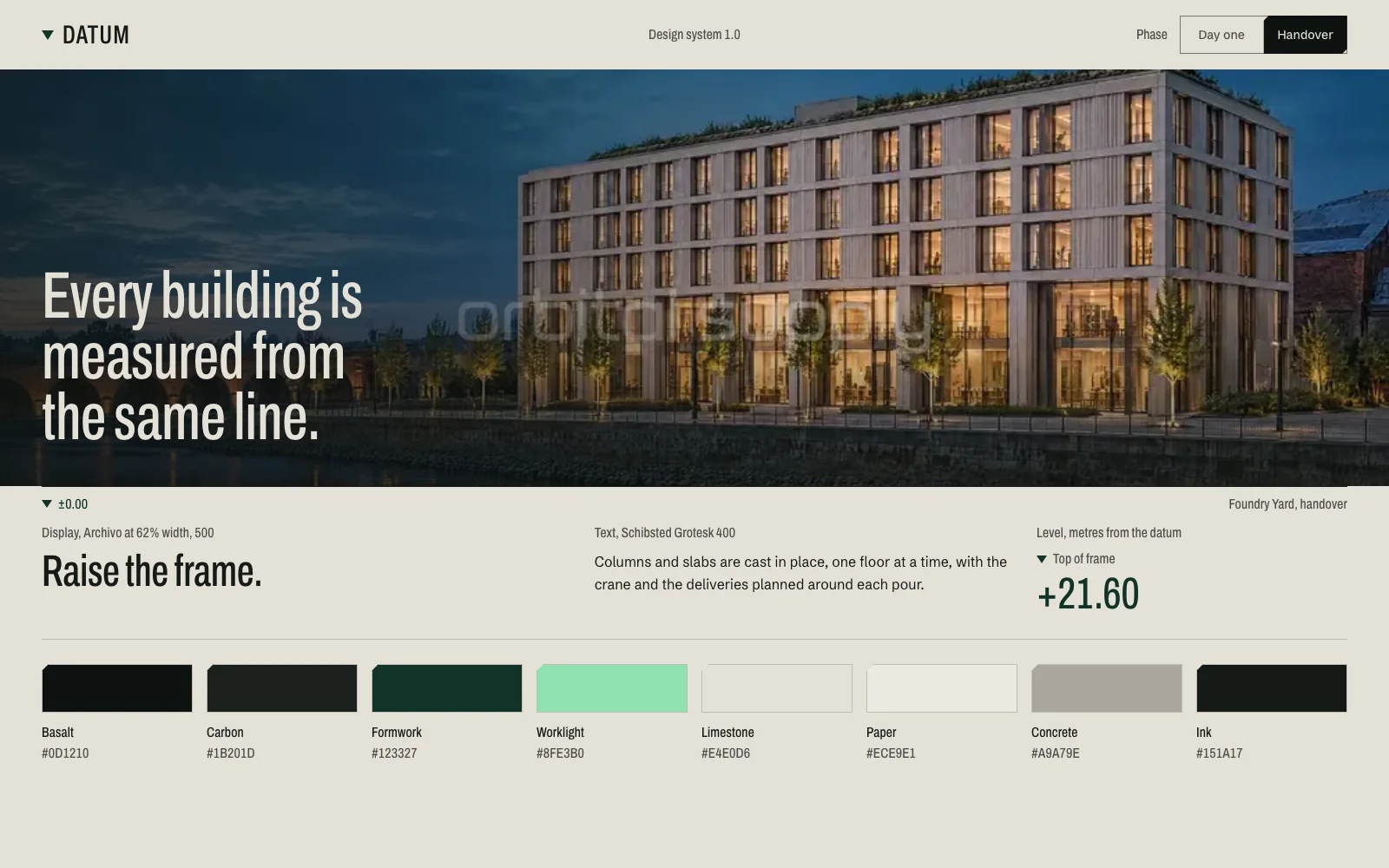
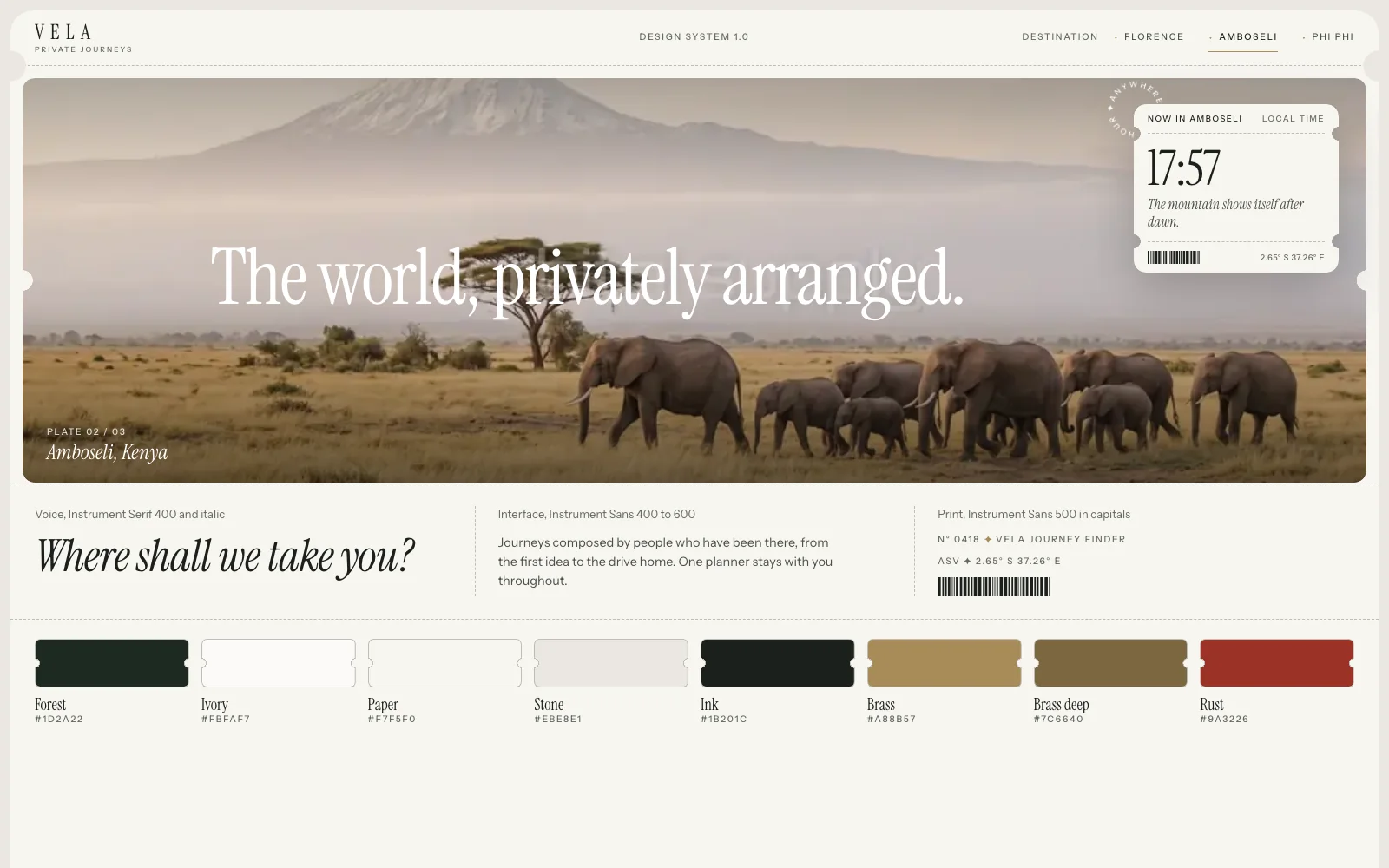
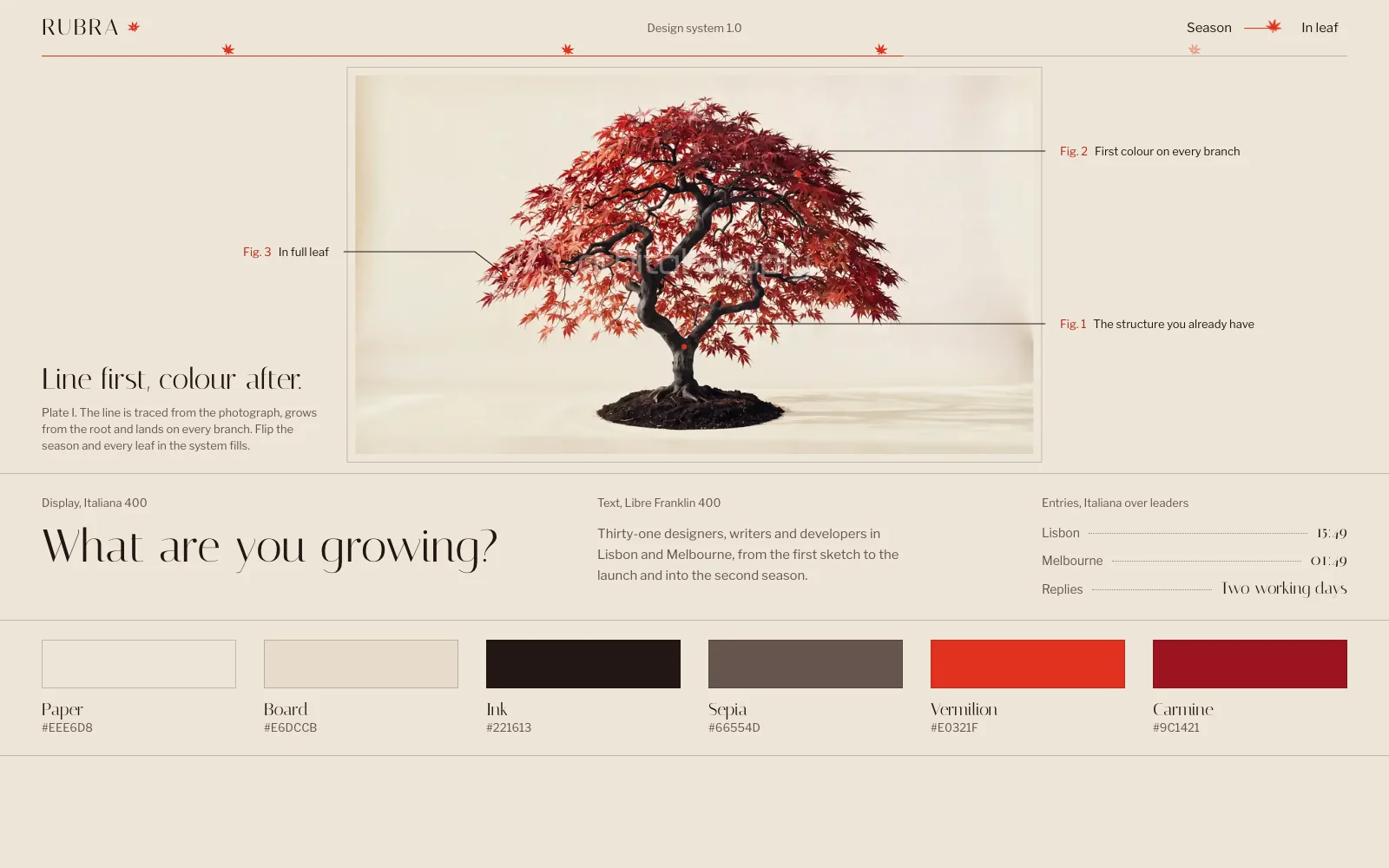
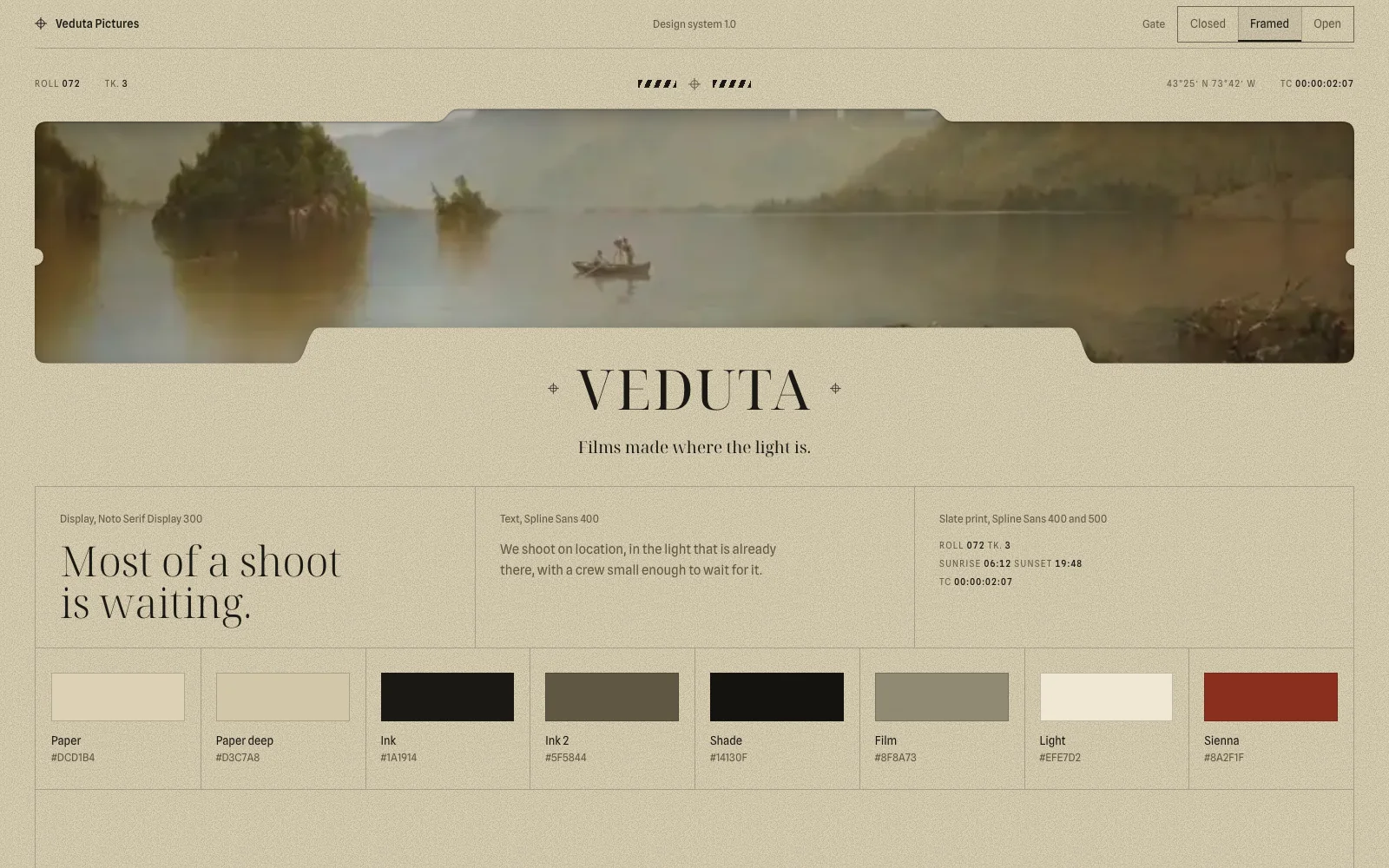
You can compare both ends of this in our hero section examples, where each page shows the film and part of the prompt behind it.
The six parts of a complete website prompt
Every complete website prompt has six parts: stack, identity, journey, motion, assets and phones. Our 62 prompts differ in every visual decision and share this structure.
| Part | What to write | Example |
|---|---|---|
| Stack | Framework, versions and every library | React 19, Vite, Tailwind v4, GSAP 3.15 |
| Identity | Fonts, palette as hex, spacing | Questrial 400; #12100F, #FAFAFA |
| Journey | Each section in scroll order, with its copy | Loader, hero, 3 chapters, closing, footer |
| Motion | Trigger, change, duration, end state | Past 40% of the scroll, the panel rises in 0.6 s |
| Assets | Permanent URLs, sizes and fallbacks | hero.mp4, hero-mobile.mp4, poster.jpg |
| Phones and states | What changes at each width, focus, reduced motion | Under 768 px the pin is removed |
The structure of the prompts in our catalogue, with values taken from them.
Write the final copy into the prompt. Line length and hierarchy depend on what the words say, so placeholder text leads to placeholder layouts. Some rules are also worth checking by count, because they are easy to leave out.
| In the prompt | Prompts | Share |
|---|---|---|
| Reduced motion behaviour | 64 of 64 | 100% |
| WebGL or three.js | 53 of 64 | 83% |
inert for menus and dialogs |
53 of 64 | 83% |
| Video files by URL | 30 of 64 | 47% |
NotAllowedError for blocked autoplay |
14 of 64 | 22% |
Counted in the text of our 64 React prompts on 4 November 2026.
How long a website prompt should be
Plan for tens of thousands of characters as soon as a site has custom motion. A hero with its own engine can take as many characters as a full site, because the fragile code goes into the prompt word for word.
| Type of site | Prompts | Shortest | Median | Longest |
|---|---|---|---|---|
| Hero | 16 | 25,742 | 45,876 | 49,802 |
| Landing page | 9 | 43,966 | 49,610 | 49,924 |
| Full site | 37 | 10,627 | 49,864 | 49,993 |
Characters in the React prompts of our catalogue, measured on 4 November 2026. The 50,000 limit is our own, and 2 prompts in another format are left out.
The medians sit close to our cap because we move data out before we cut decisions. Long copy and catalogues go into JSON files on a CDN, and the prompt keeps the URL. Shorter prompts work well for simple pages, where a default is often the right answer anyway.
Write motion as trigger, change and end state
Three facts make a movement reproducible: what starts it, what changes and where it ends. “Smooth animations” gives a builder none of them.
Trigger: the section reaches 42% of the viewport.
Change: its two nodes go from a 7 px dot to a 17 px ring in 280 ms, ease-out.
End state: ring visible, the previous section's nodes back to rest.
Reduced motion: the state changes without the transition.
The end state matters most. It tells the tool where the page must settle, so a dropped frame or a late font never leaves content half-visible. If a piece of motion is fragile, such as a shader or a pinned sequence, paste the code and tell the tool to keep it as written. For the common failures, see nine bugs that break animated websites built with AI.
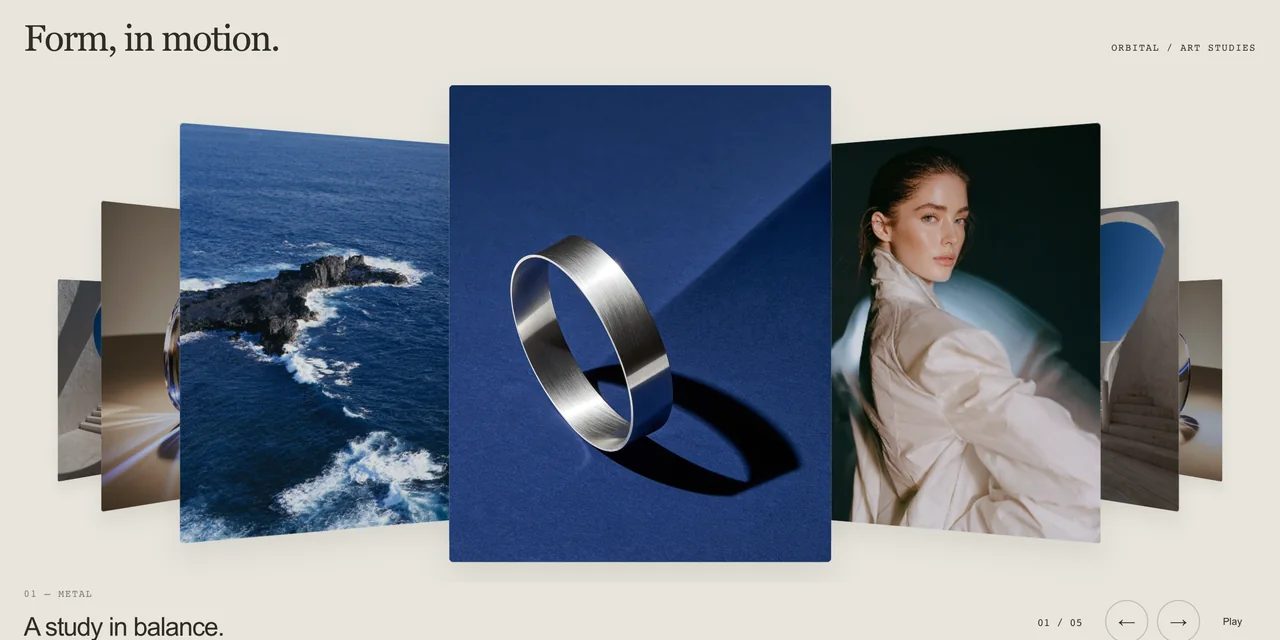
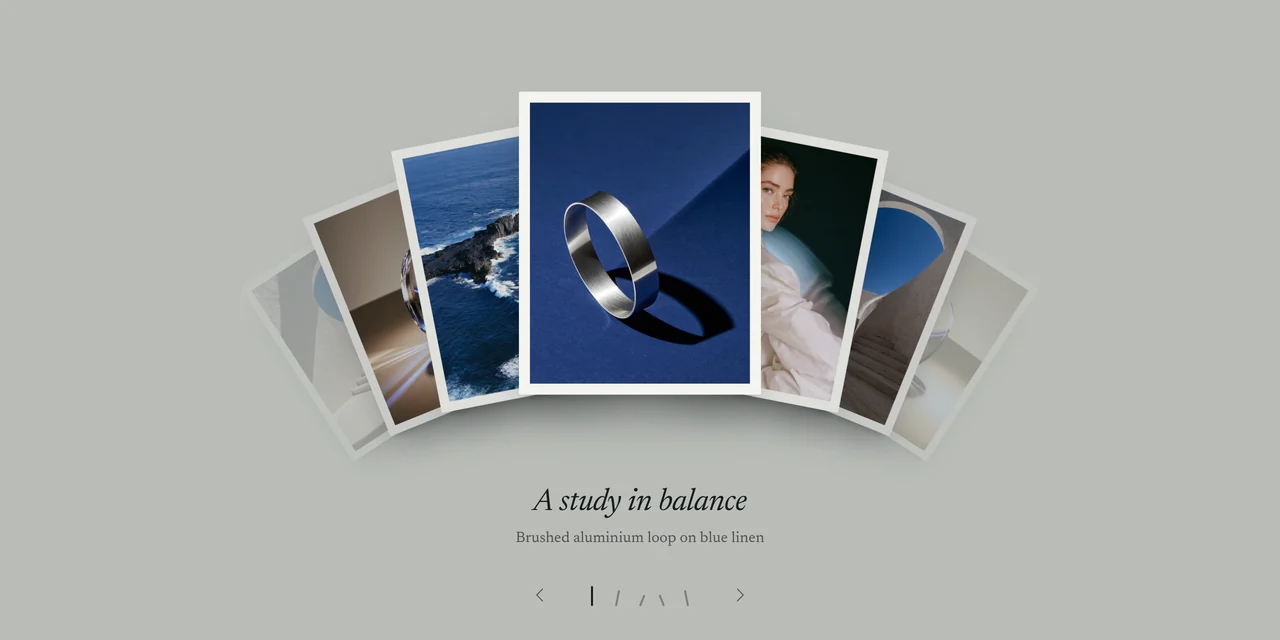
To see a motion description become code, set up a gallery in Gallery Motion, our free 3D image gallery generator, and read the code it exports.
Assets and phones: what prompts usually forget
Give every asset a permanent URL, and write down what changes at each screen width. Links on a generator’s servers can expire or get blocked, so upload files to storage you control. Add a separate phone crop and a poster for each video, as we explain in our guide to making a seamless video background. If you have no assets yet, describe the fallback, or the tool will invent a gradient.
Phones are where generated sites fall apart, and they account for 60.87% of worldwide web use according to StatCounter’s figures for October 2026 (opens in a new tab). Say which pinned sections become plain scroll, which video swaps to a vertical crop, how the menu opens and which hovers need a touch alternative. We review every template at 375, 768, 1440 and 1920 pixels, and those four numbers cost one line in a prompt.
If you work in Claude Code, our guide on building a website with Claude Code covers the steps around the prompt, from the art direction board to the review.
Test it by rebuilding from the prompt alone
A prompt is finished when a session with nothing but the prompt can rebuild the site. We call this a blind build. It runs in a clean session that has never seen the brief, the conversation or the original code, once per target, and we compare the result with the accepted site at all four widths.
We aim for the same design and behaviour, and pixels can differ. When a blind build comes out worse, the fix goes into the prompt, because that is the file you will reuse. Our templates ship with the prompt that went through this check, along with its code and assets.
Verdict. Build and review the site first, then write the prompt from what you accepted. Every value has then been seen working, the final copy has already shaped the layout, and a blind rebuild shows what is missing. Budget for tens of thousands of characters: our median is 49,731.
Questions
Short answers to what usually comes up next.
How long should a website prompt be?
Long enough to set every decision, which means tens of thousands of characters once a site has custom motion. Across 62 of our prompts, the median is 49,731 characters and the shortest is 10,627. We hold them to an internal cap of 50,000. That cap is our own working limit, so check what your tool accepts before you paste a long prompt.
Should I use one big prompt or build a website section by section?
Use one complete prompt to set the whole site, then make corrections in small follow-ups. TechRadar's guide recommends building piece by piece, and that is a safe way to learn a new tool. We keep one prompt because it has to rebuild the site by itself, in a clean session, and that is how we find what it leaves out.
Which AI tool should I use to build a website from a prompt?
Use any tool that can write and run a React or HTML project, and try it on one section before you commit a whole site. Tools differ in how closely they follow long instructions, so a result in one does not carry over to another. Each of our template pages names the tools its prompt was rebuilt in.
Should a website prompt be in English?
English is the safest language for the instructions, because code and most library documentation use it. The visible copy can be in any language, as long as the prompt says so and includes the text. We write our public prompts in English, including accessibility labels and metadata, unless the brief names another language.
Can I write the prompt before I have a design?
Yes, but you will spend the difference in corrections. We wrote prompts first until 1 October 2026, when we changed the order. Now we build and review the site, then write the prompt from what we accepted, so every value in it has already been seen working in a browser, including on phones.
Can AI build a whole website from one prompt?
Yes, if the prompt holds the decisions of a whole site. Our blind builds start from one frozen prompt in a clean session, with no brief and no earlier code. We then compare identity, composition, sections, assets, functions and phones. Corrections still happen, and each one goes back into the prompt as a recorded clarification.
Skip the blank page
Start from a finished website.
Each template is a tested prompt with its code, assets and motion.Keep reading
All articles
How to make a seamless video background for a website
Five steps to a hero loop with no visible cut, from the generation prompt to the final video tag.
How to build a website with Claude Code that doesn't look generic
The process, skills and checks we use to build complete animated websites with Claude Code.